Hello!
In this update, we focus on:
- Authentication app for faster 2FA
- Annual penetration test
- Language detection on login page
- Old version Candidate Information Screen no longer available
- Updated colours compare screen
Use an authentication app for faster 2FA
Assessio Bloom supports two-factor authentication (2FA) via email or an authentication app. We see that many users still rely on email, while an authentication app provides a much faster login experience.
With email-based 2FA, you need to wait for the message to arrive before continuing. An authentication app generates the login code instantly on your phone. Supported apps include Google Authenticator and Microsoft Authenticator.
To enable this in Assessio Bloom, go to your account settings and link an authentication app. Switching to a different app later is easy – you can unlink the current one and add a new app at any time.
Personal data stays private: the authentication app does not process or receive personal data. It serves only to generate secure login codes. If you do not have access to your phone, you can always fall back on 2FA via email.
Using an authentication app makes logging in faster, easier, and more reliable.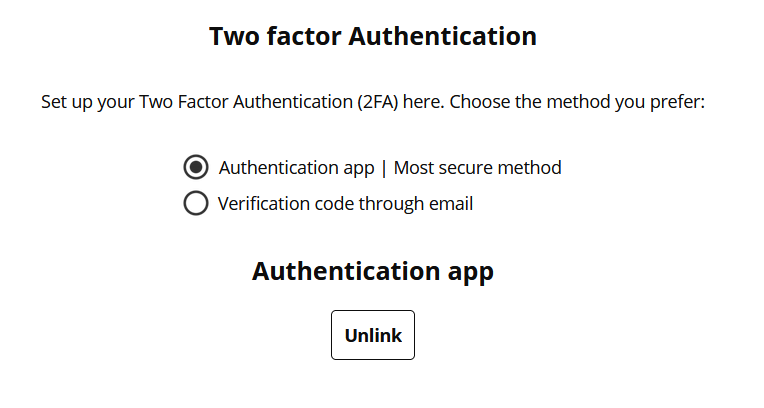
Annual penetration test
As part of our annual security review, we recently completed an independent penetration test of the platform. We are pleased to report strong results: the platform received an A+ rating.
The test highlighted a small number of opportunities for improvement. All of these have already been fully addressed, further strengthening the platform.
Our continuous attention to information security ensures the platform remains a secure and reliable environment – for you as a user and for your organisation.
Language detection on our login page
As Assessio Bloom continues to grow internationally, the platform now supports an increasing number of languages.
That is why we introduce a language detection mechanism on our login page.
What does this mean for you?
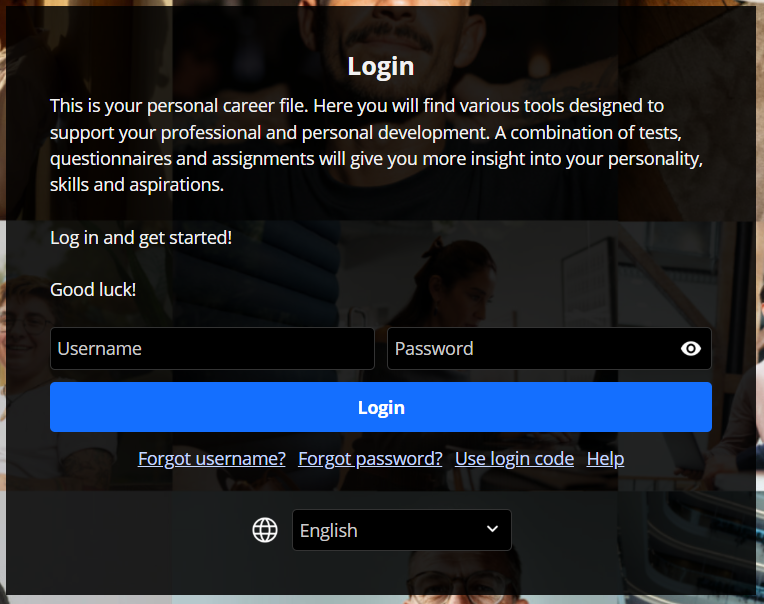
- We check your browsers’ language settings and show the login page in that language, if that language is available.
- If that language is not available in your portal, we show the login page in the default language of that portal.
- Still not the right language for you? Select the language from the dropdown menu.
This also applies to your candidates.
Furthermore, we changed the language selection into a dropdown menu, as you can see in the image below.
Old version of the Candidate Information Screen no longer available
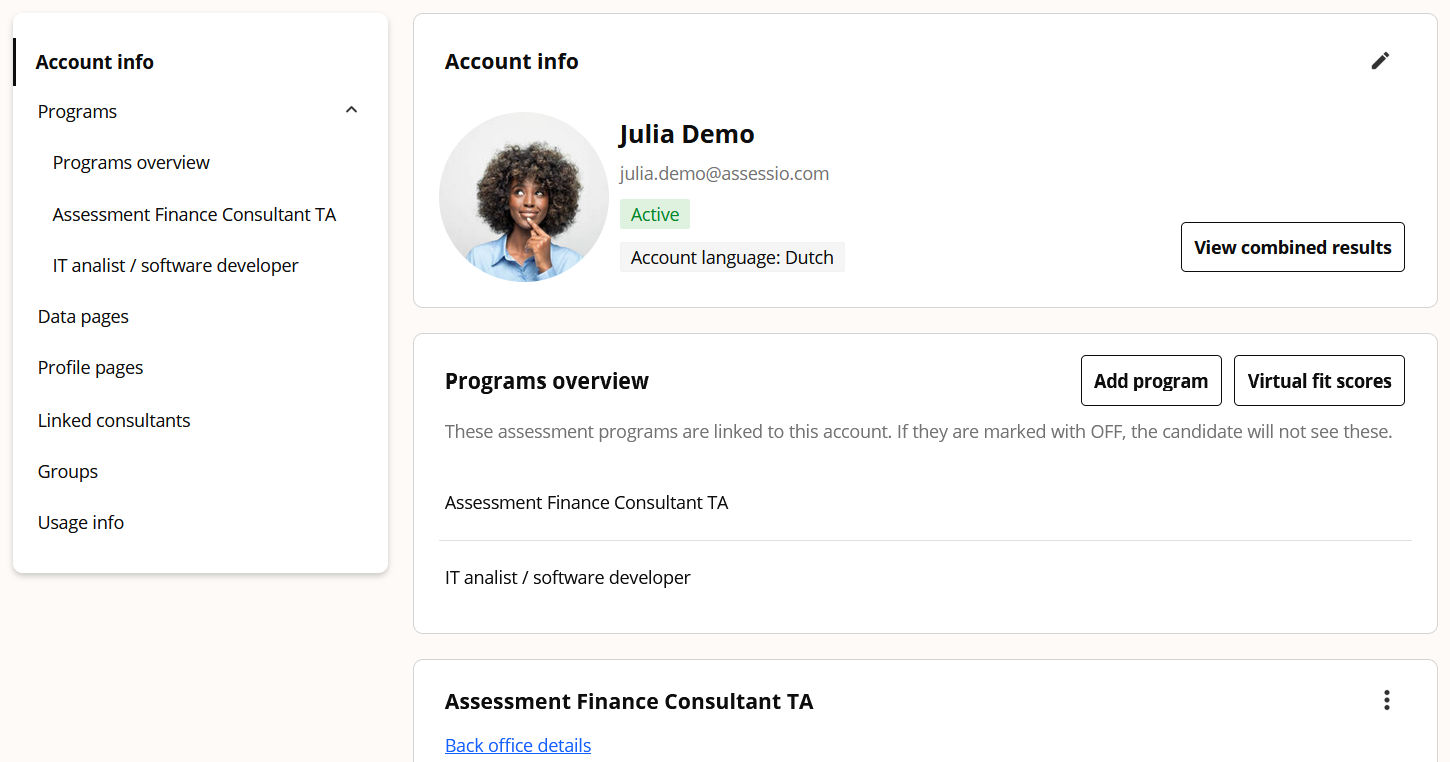
In the newsletter of last December, we introduced the new Candidate Information Screen. We also announced that we that we would phase out the old candidate information screen. For some customers, with a specialised solution, both new and old versions were available side by side.
As of this update, we are disabling the option to use the old version, and all portals will have the new version only.
 Updated colours for the compare screen
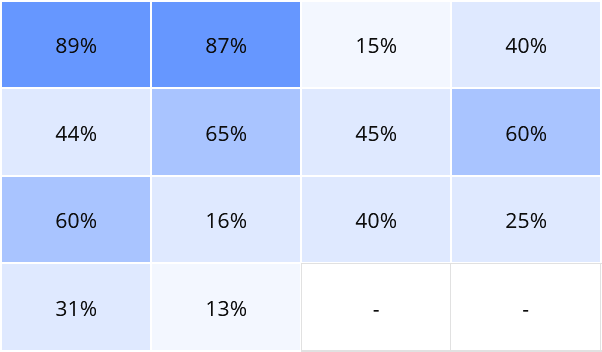
With this update, we edit the colours of the compare screen. The new design aligns with our upcoming visual styling and offers a calmer look and feel.
This makes it easier to focus on what matters most: comparing candidates as easily and effectively as possible.