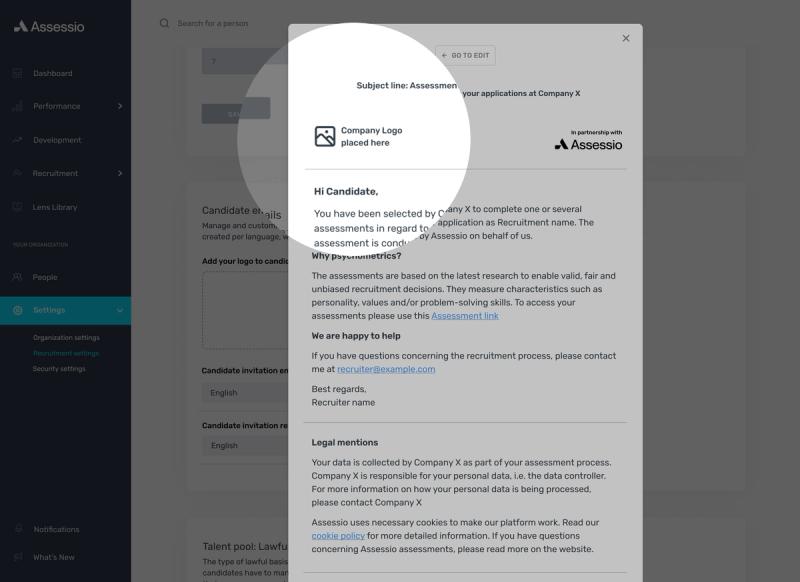
First of all, you need to have the Owner rights in the platform and upload the logo. Once the image is uploaded, the logo will automatically be inserted in all emails that are sent from the Assessio platform to your candidates. This includes for instance the invitation and reminder emails
Go in the Recruitment settings and upload the image of the logo you want to display in the emails. You can also drag and drop the file directly. The image has to be a SVG file with a maximum size of 2 MB.

Once the image is uploaded, the logo will automatically be inserted in all emails that are sent from the Assessio platform to your candidates. This includes for instance the invitation and reminder emails. If you want to preview these emails, go to the Candidate emails section of the Recruitment settings and select the language you want to see the email for, then click Preview.