
How do I Export Billable Data from my portal?
As an end user with FINANCE rights, you can easily generate an overview of all tests taken within your organisation.
As an end user with FINANCE rights, you can easily generate an overview of all tests taken within your organisation.
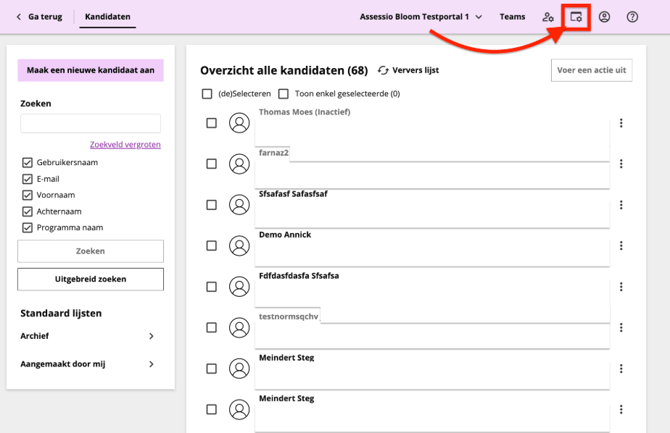
- Open the candidate view.
- Select the portal from the drop-down menu at the top of the portal.
- Click on the window and cog icon
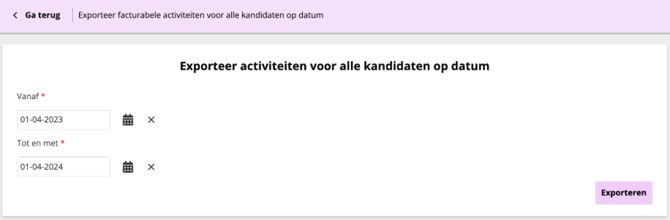
- Click on Export billable activities to specify a date range
- Click on Download

- Specify a date range
- Click Exporteer
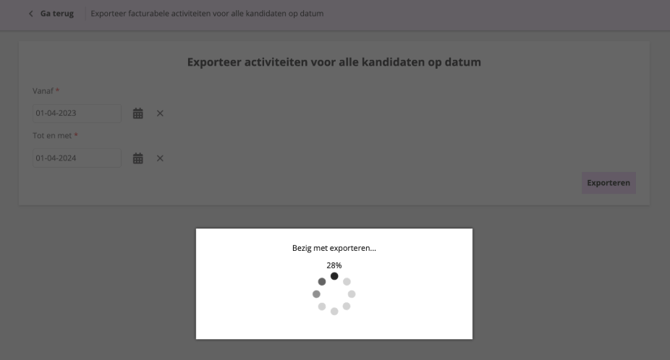
- Do not close the browser page while the export file is being generated
- Click Download
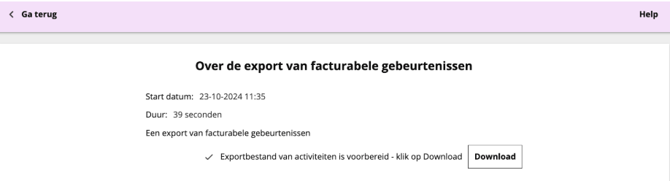
- You will find the export file in your local download folder. Open it as an Excel file