
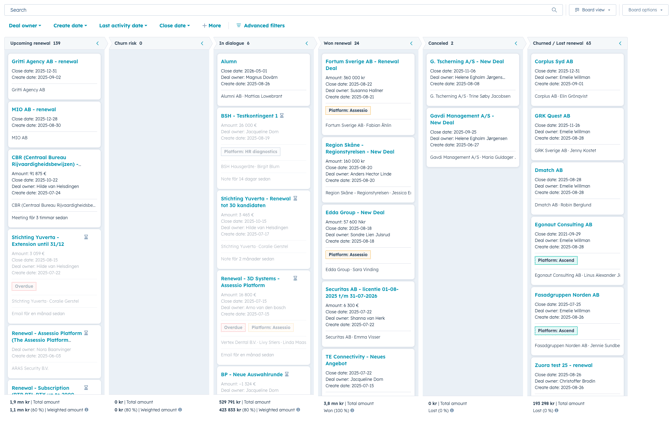
- Create card by going to CRM -> Deal -> Renewal process (A deal that has <120 days until "Next Renewal Date" will automatically create a card in "Upcoming Renewal" stage)
- Change the stage based on if it is an upcoming renewal or that the customer is at risk of churn
- If the customer needs a new quote for the renewal, you can create one through Vloxq and send through Oneflow, same scenario as for new customer or upgrades
- If customer is churn move to stage "Churned / Lost renewal". If the renewal is won, move to "Won renewal". From here you can check the invoice data before sending.
- Finance will set the customer to renew or churn based on where you moved the deal.
- Invoices sent from Visma, based on Zuora input.