Introduction
This page covers HubSpot’s marketing setup, e.g. CRM basics, automation, training, workflows, and reporting.
What does this page consist of?
See right sidebar for menu and quick links
Overview of HubSpot marketing setup
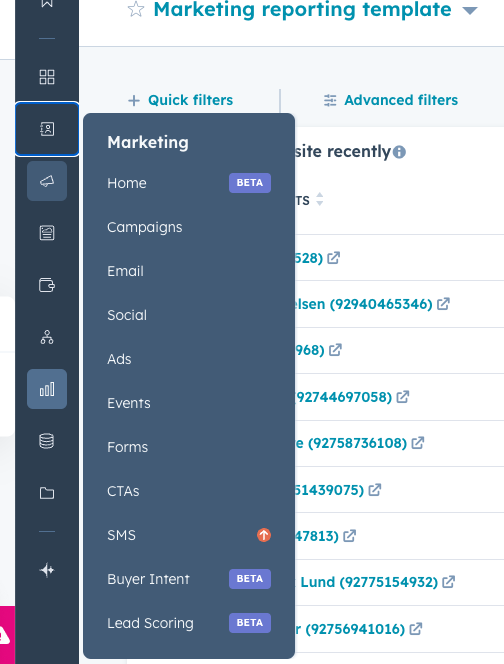
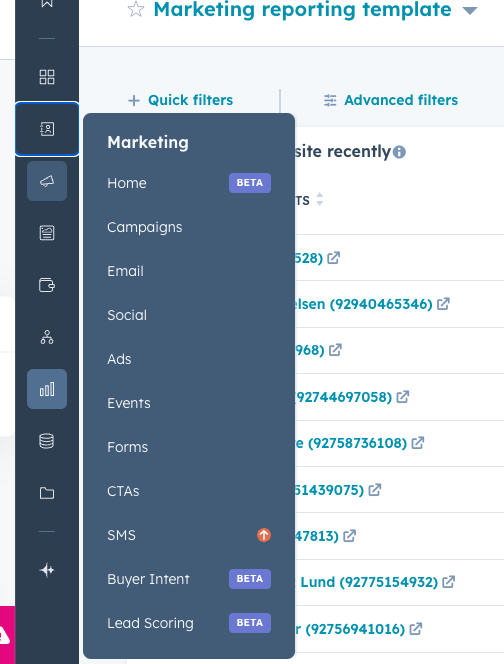
The menu and possibilities in HubSpot contains endless opportunity, we will start by utilizing some of HubSpots key features and then work our way into more advanced features as we go.
In the document you will find information about how we suggest
We have a main sales and marketing document, that can be seen here, this contains the leadscore, lifecycle stages, MQL and SQL definitions and how to work with pipeline.
Presentation: https://t31517146.p.clickup-attachments.com/t31517146/f6dcca63-dc8c-49ac-bfeb-5d3c815e7020/Assessio_key%20sales%20%26%20marketing%20document.pdf
Recording of the trainings
First training - focus on email and campaign setup
Email marketing training
Video: https://t31517146.p.clickup-attachments.com/t31517146/6125425f-909c-4a12-b563-b0b6ebdbea26/HubSpot%20Email%20Training%20-%20Mar%2025%202025.mp4?view=open
Second training with focus on dashboards, attribution, workflows and how to track marketing value
SE training round 2
Video: https://t31517146.p.clickup-attachments.com/t31517146/d5ffab44-a30e-4c32-99da-cf589e992500/Marketing%20SE%20training%20round%202%20X%20Sunrise%20-%20Feb%2011%202025.mp4?view=open
Third training with focus on lifecycle stages, leadscore, handoff to sales and automations
NL marketing training 3
DK training 3
Video: https://t31517146.p.clickup-attachments.com/t31517146/1b7c5983-b613-40c0-b851-f03421a0773d/DK%20Marketing%20runde%203%20tr%C3%A6ning%20X%20Sunrise%20-%20Feb%2020%202025.mp4?view=open
SE training 3
Datastructure
See structure for contacts here:
https://app-eu1.hubspot.com/contacts/145462006/record/0-1/136448655571
See for companies here:
https://app-eu1.hubspot.com/contacts/145462006/record/0-2/17642160631
See for deals here, if you are interested:
https://app-eu1.hubspot.com/contacts/145462006/record/0-3/20745811161/
Lifecycle stage
-
Lifecycle stages, can be seen here:
-
https://app-eu1.hubspot.com/pipelines-settings/145462006/object/0-1/contacts-lifecycle-pipeline
-
-
Automations related to the Lifecycle stages:
-
-
Lead nurture from stage lead toMQL
https://app-eu1.hubspot.com/workflows/145462006/platform/flow/1752306883/edit
-
Set Lifecycle as SQL, men deal has been set in “Qualified” stage
https://app-eu1.hubspot.com/workflows/145462006/platform/flow/1780720873/edit
-
Lifecycle stage is set to customer when a deal is moved to won
-
Lifecycle stage is set to former customer, when they have all subscriptions inactive
Leadscore
See short video about the leadscore that has been created
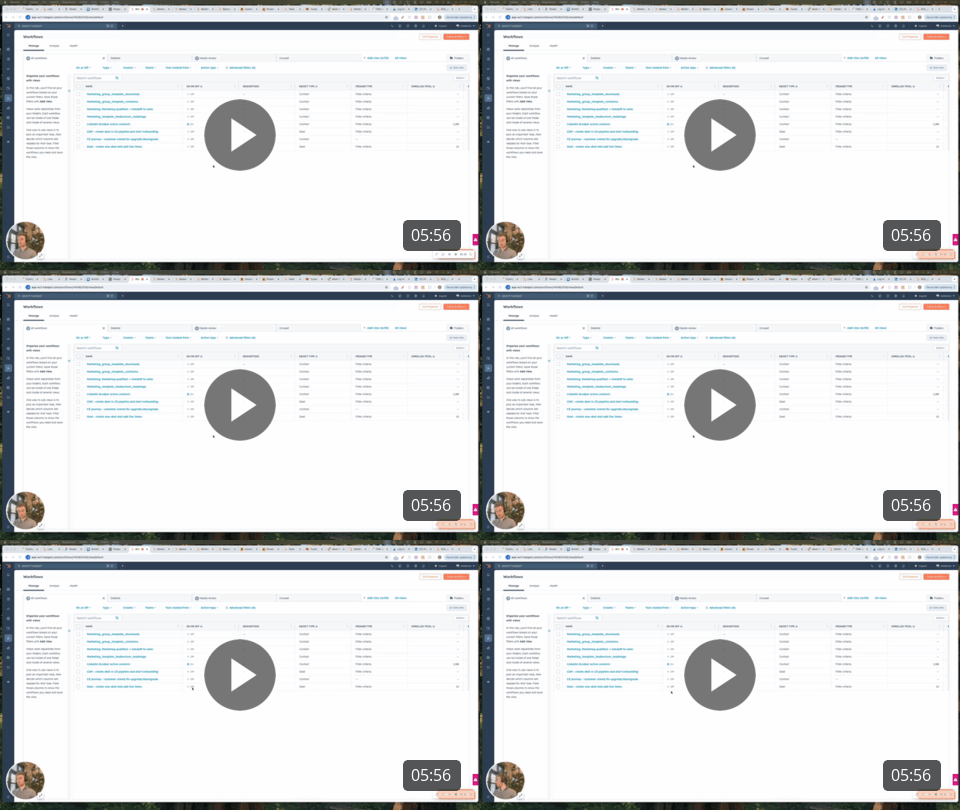
Assessio - leadscore + nurture flow
See definitions from slide 3 to 7
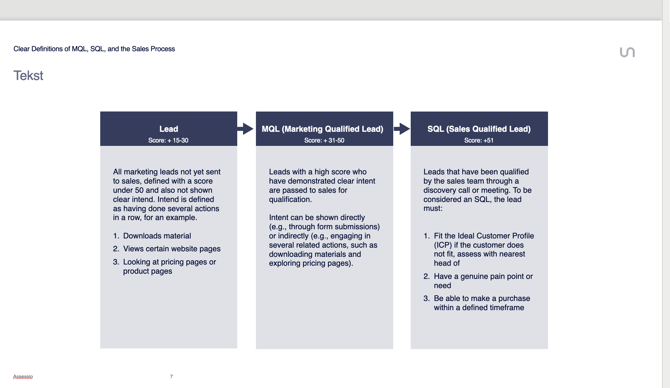
Presentation: https://t31517146.p.clickup-attachments.com/t31517146/deceddf2-31dd-47a5-85e3-c40d192a6f98/Assessio_key%20sales%20%26%20marketing%20document.pdf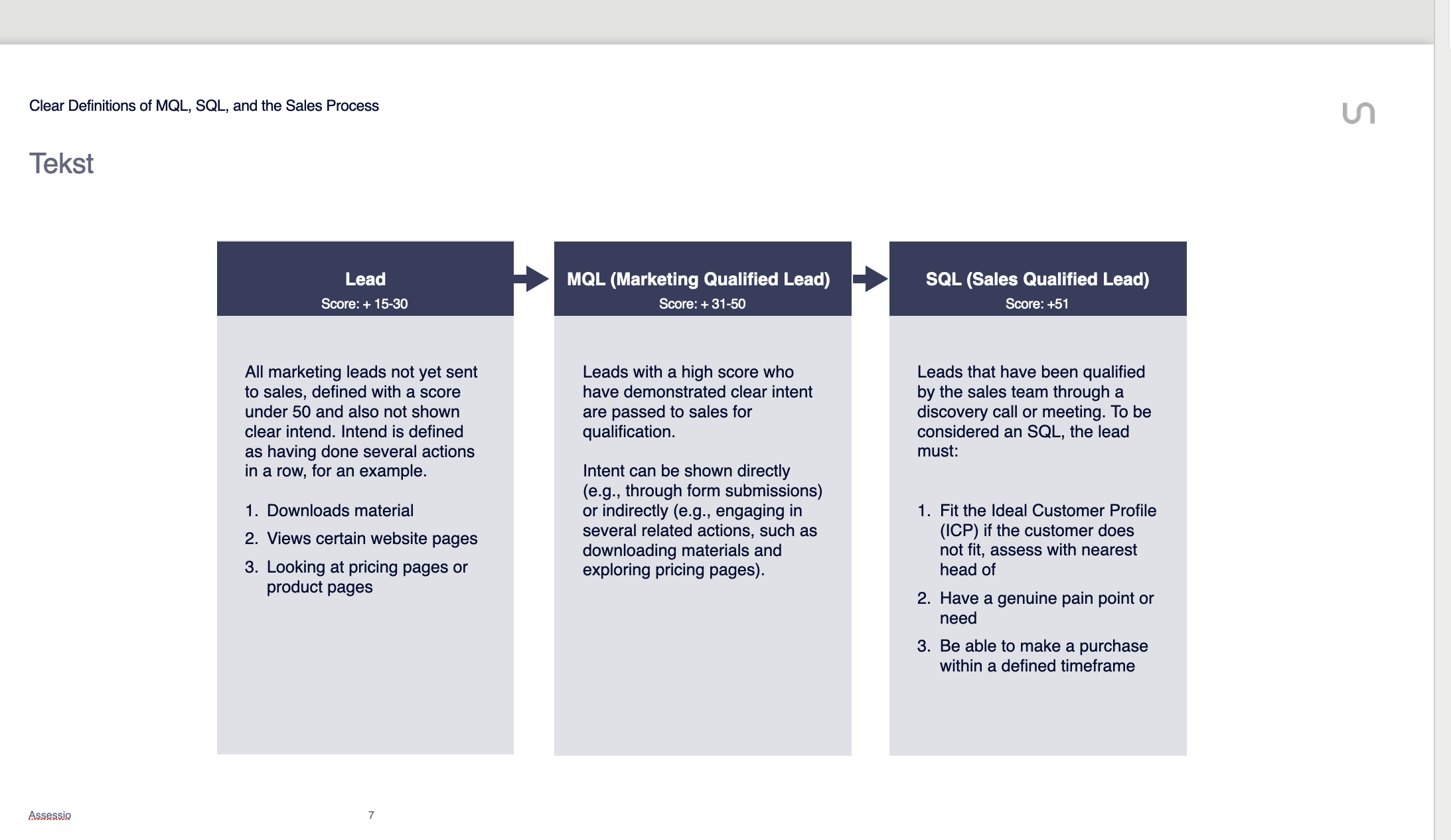
Forms
See best practice forms here:
https://app-eu1.hubspot.com/forms/145462006/folders
-
For Book demo and price request form, we would suggest asking about the customers pains, so that sales can work from those in the dialogue
-
Also having the possibility to fill out "where did you hear about us?" works wonders for attribution
-
The forms can be divided into steps, we have done this for the price request form, what do you think?
How to add new forms to website
-
Go to form → click edit → click share and copy embed code
-
Go to wordpress editor and see following video:
Automation/Workflows
We have created several automation/workflow templates, that you will be able to use and alter for each country:
https://app-eu1.hubspot.com/workflows/145462006/folders?folderId=437225999554
How to work with triggers and delays in workflows
High intend workflow and how to add a webinar
.png?width=640&height=360&name=image%20(43).png)
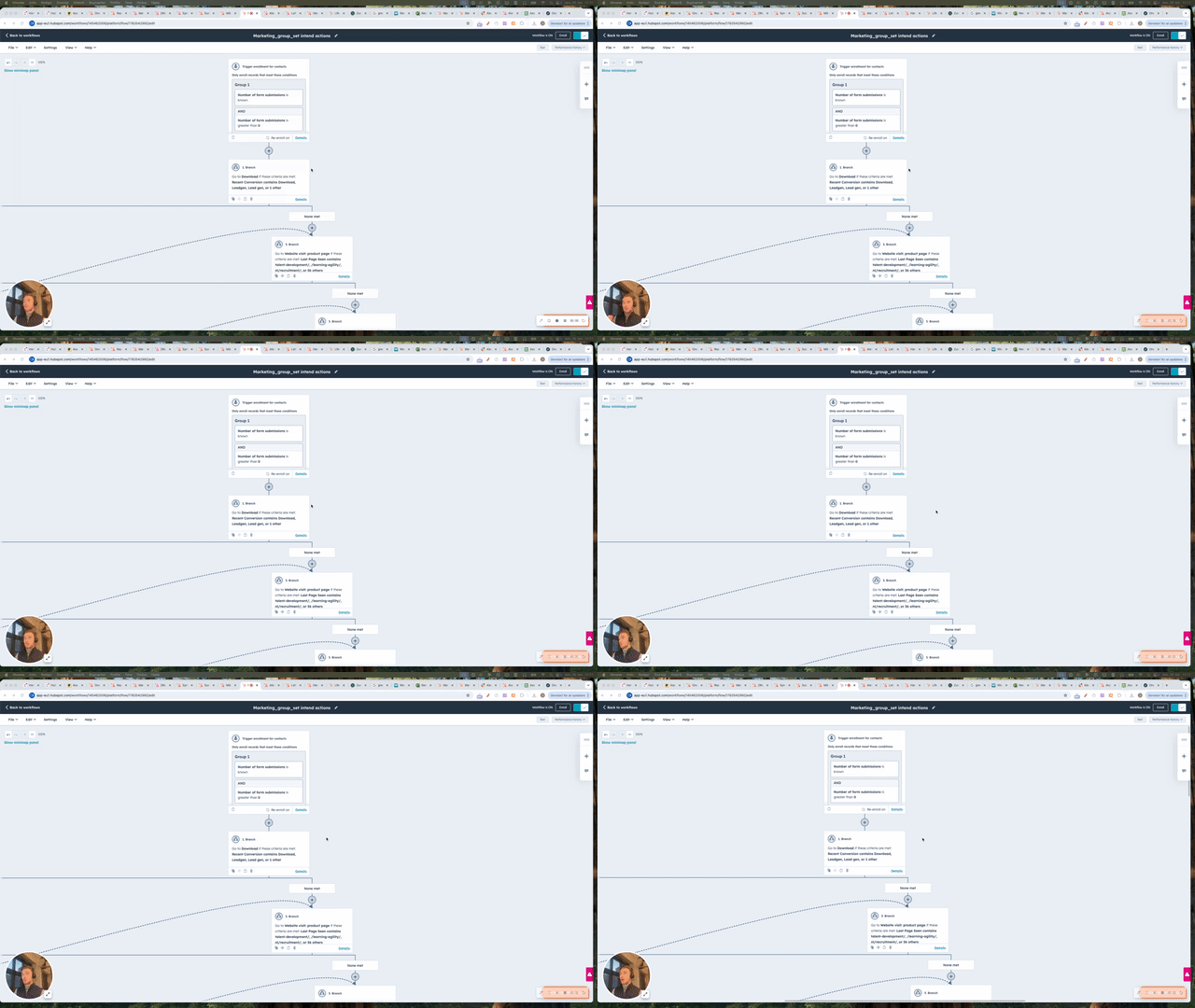
Assessio - intend workflow + webinargeek
Lead nurture template
This has been created for
https://app-eu1.hubspot.com/workflows/145462006/platform/flow/1752306883/edit
Campaigns
We have created a campaign for each country, that you can summarize all your efforts in and report on:
https://app-eu1.hubspot.com/marketing/145462006/campaigns/views/all
Domains for email sending
We have setup almost all domains for email sending, it can be seen here in the bottom of the page:https://app-eu1.hubspot.com/settings/145462006/domains
if you see a domain missing, please let us know!
Subscription types
We have created subscription types for each part of the business, they can be seen here: https://app-eu1.hubspot.com/settings/145462006/marketing/email/types
We have created one for each country, so all existing will be migrated to those, but new permissions will be set on a group permission.
We have created a preference page for subscriptions: https://app-eu1.hubspot.com/settings/145462006/marketing/email/subscriptions
See video here:
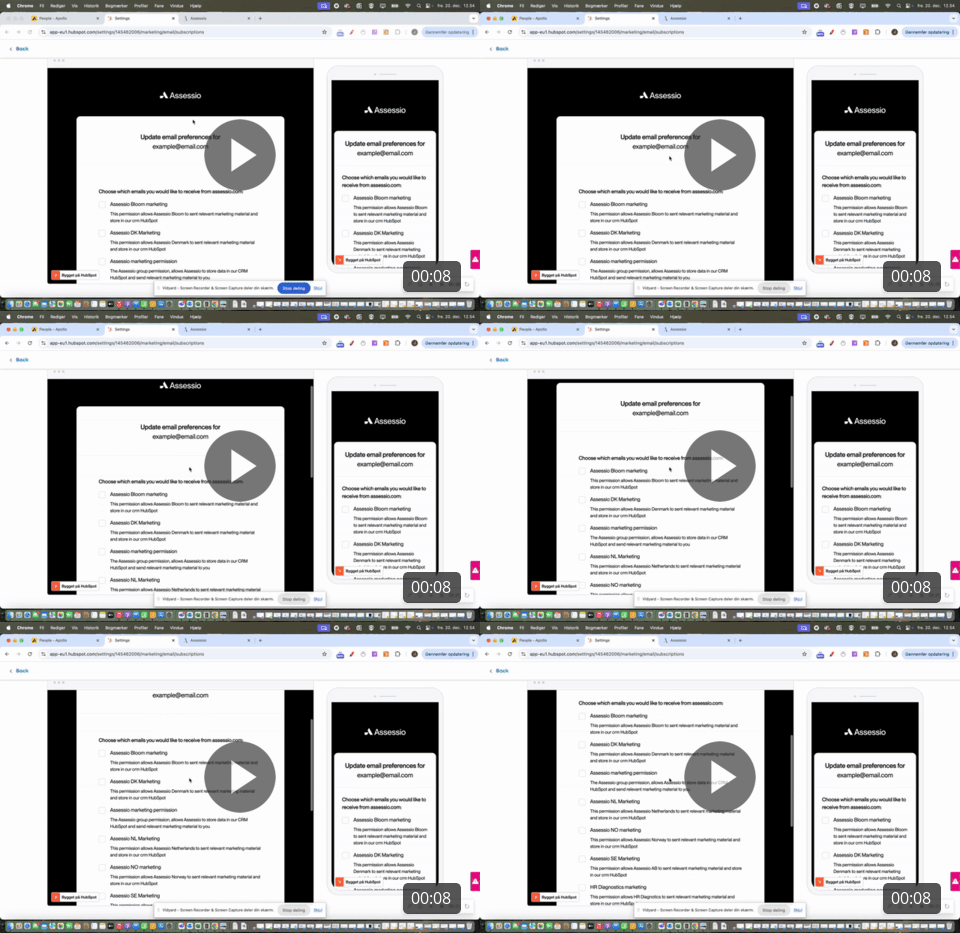
How to sendout emails with lists and ensure marketing contacts are set
.png?width=640&height=415&name=image%20(44).png)
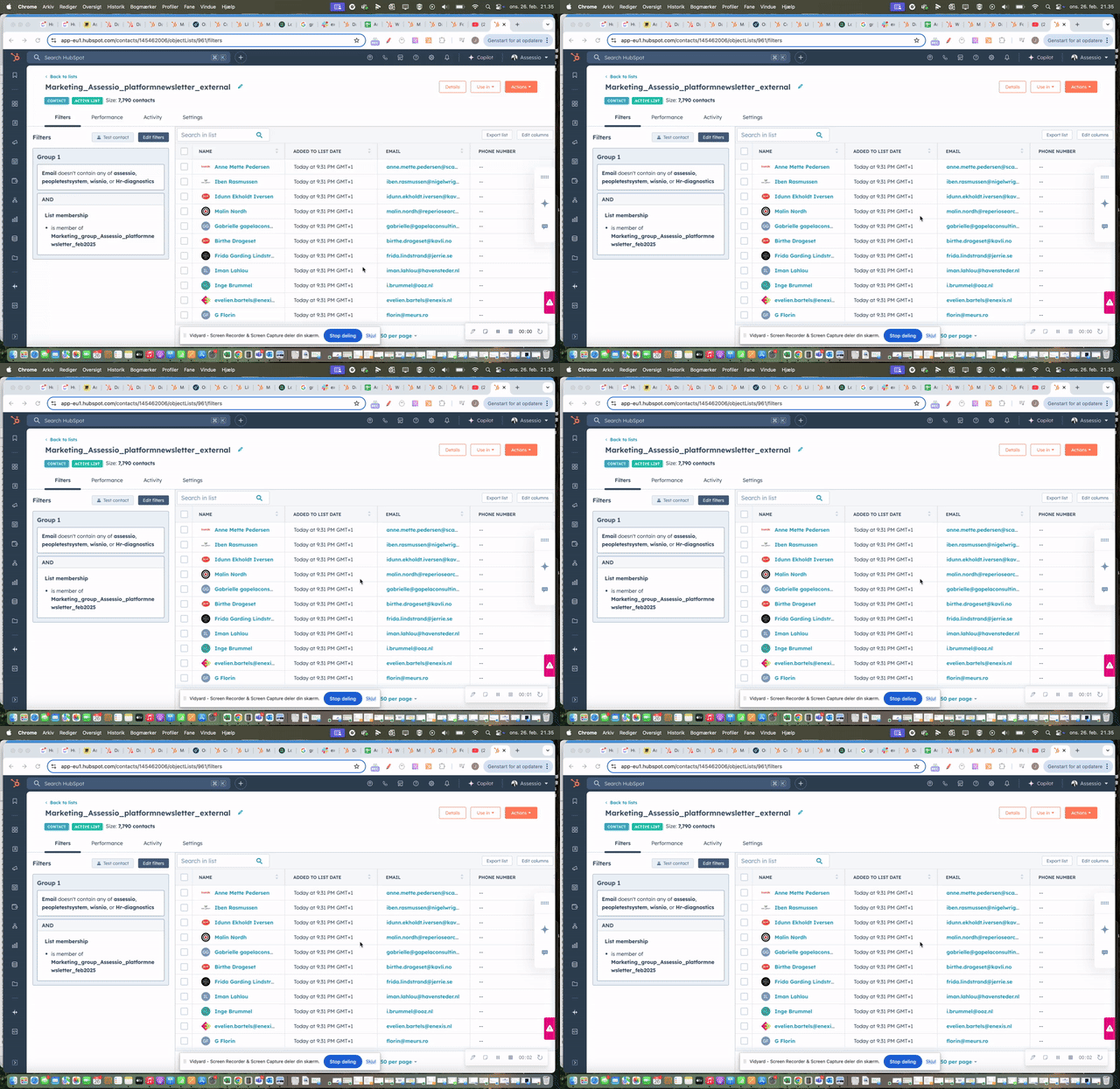
Assessio - email marketing sending
Before sending out email checklist
-
Make sure your list is updated and you have removed previously bounced contacts, unsubscribes etc. - see global bounce list here: https://app-eu1.hubspot.com/contacts/145462006/objectLists/1210/filters
-
Make sure the list you have are all subscribed to the right subscription - see video above to make sure
-
All should be set as marketing contacts
-
The email has the corresponding subscription type that all contacts are subscribed to, see image
.png?width=670&height=402&name=image%20(45).png)
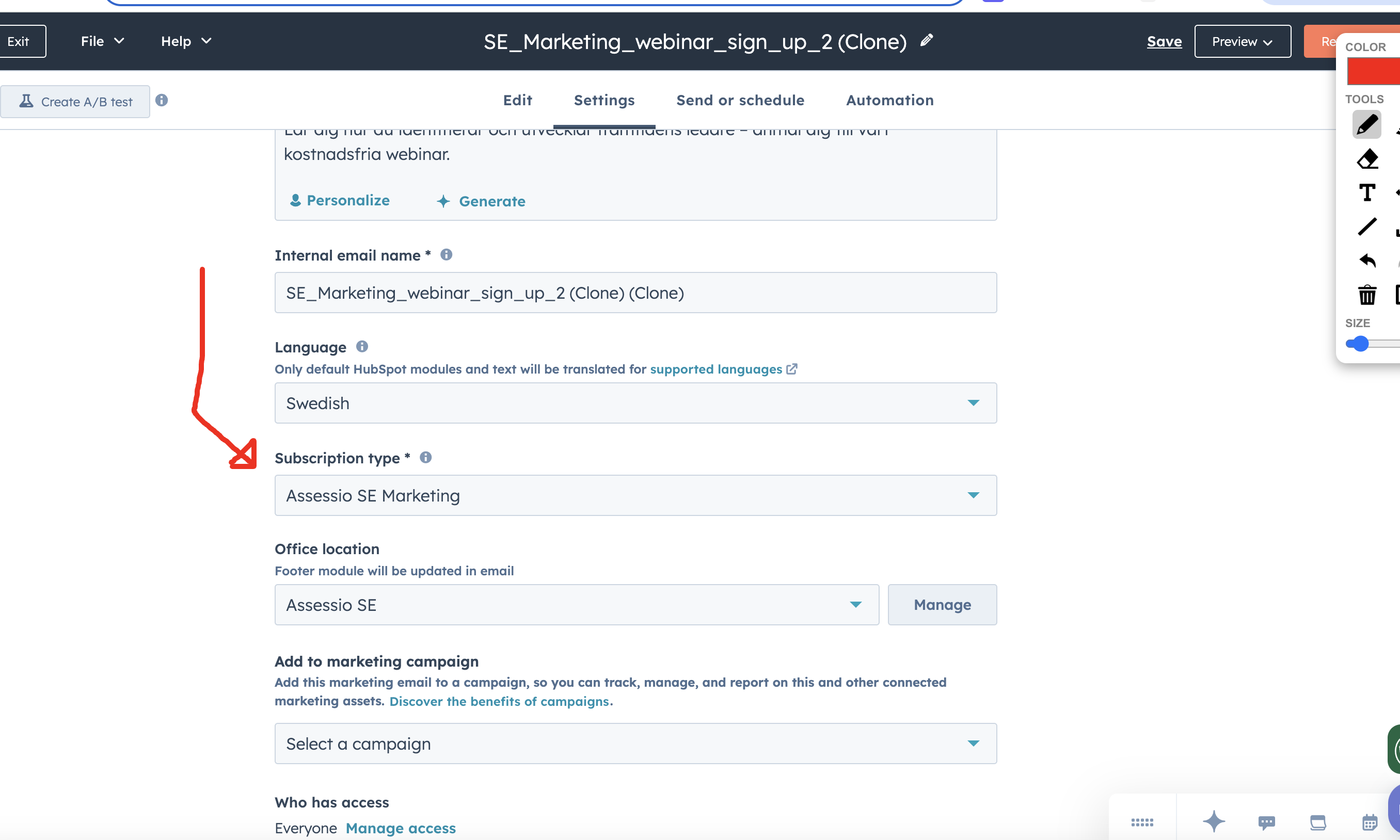
-
When all is set, make sure to use HubSpot preview option and also do a test email sendout always and get a second opinion. It is always good to get a second pair of eyes on everything
-
Click send or schedule in the top menu and add the list you want to
-
Make sure to add your country specific "never send" list to the people who should not receive
Email template
We have created some marketing email best practice emails, can be found here:
Overall template with different elements to be cloned
https://app-eu1.hubspot.com/email/145462006/edit/199084263620/content
About Assesio:
https://app-eu1.hubspot.com/email/145462006/edit/199014034669/content
Download:
https://app-eu1.hubspot.com/email/145462006/edit/199948485820/content
Cases:
https://app-eu1.hubspot.com/email/145462006/edit/199972735220/content
Event:
https://app-eu1.hubspot.com/email/145462006/edit/199987161279/content
Translations can be done using HubSpot AI, see here
.png?width=640&height=415&name=image%20(46).png)
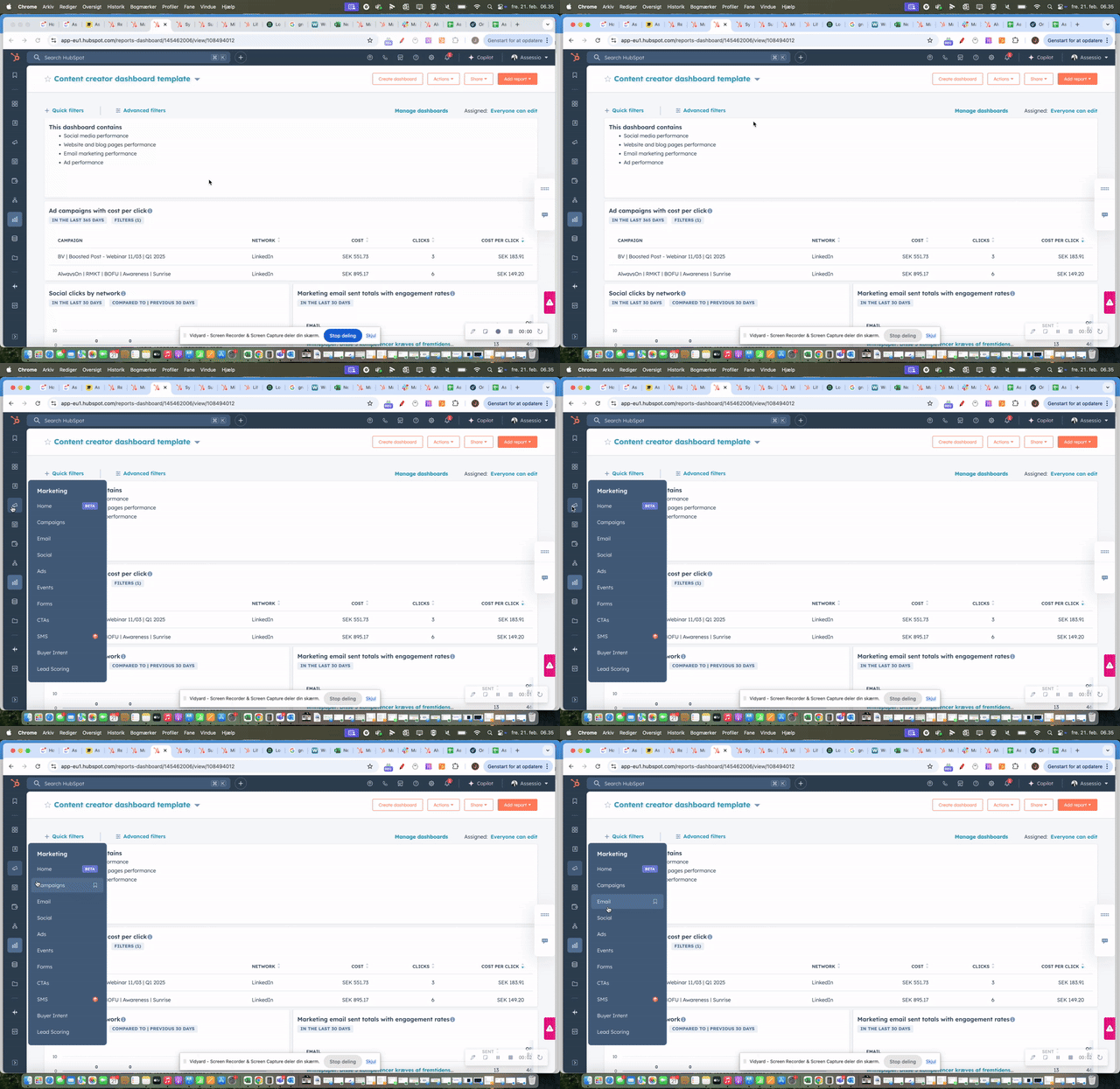
Assessio - how to translate emails
Landing page template
Version 1 - dark theme:
https://app-eu1.hubspot.com/pages/145462006/editor/199950116062/content
Version 2 - light theme:
https://app-eu1.hubspot.com/pages/145462006/editor/207704529134/content
https://app-eu1.hubspot.com/pages/145462006/editor/207430395097/content
https://app-eu1.hubspot.com/pages/145462006/editor/207727831226/content
Social, organic & paid
We have connected each countries organic social & paid social to HubSpot. You can see it all here: https://app-eu1.hubspot.com/social/145462006/manage
If you want you can also start analyzing on your posts and reach:
https://app-eu1.hubspot.com/social/145462006/analyze
You can also monitor competitors here:
https://app-eu1.hubspot.com/social-insights/145462006/inbox
All paid channels has been connected here:
Buyer intend
It is currently setup for PTS only, for the other companies it will work when wordpress plugin is installed, but can be seen here: https://app-eu1.hubspot.com/buyer-intent/145462006/intent?filters=%7B%22name%22%3A%22%22%2C%22timeframe%22%3A%22LAST_7_DAYS%22%2C%22customTimeFrameStartDate%22%3A%222024-12-05T23%3A00%3A00.000Z%22%2C%22customTimeFrameEndDate%22%3A%222024-12-06T23%3A00%3A00.000Z%22%2C%22filterByIntent%22%3Atrue%2C%22inCrm%22%3Atrue%2C%22filterByTAM%22%3Atrue%2C%22filterFieldsAndValues%22%3A%7B%22targetMarkets%22%3A%5B%22DK_PTS_targetmarket%22%5D%7D%2C%22dealStages%22%3A%5B%5D%2C%22lifecycleStages%22%3A%5B%5D%2C%22companyOwnerIds%22%3A%5B%5D%2C%22pathsOperator%22%3A%22IS_EQUAL_TO%22%2C%22paths%22%3A%5B%5D%2C%22searchNameAndDomain%22%3A%22%22%2C%22shouldSortDescending%22%3Atrue%2C%22sortProperties%22%3A%5B%7B%22property%22%3A%22TOTAL_VISITS%22%2C%22direction%22%3A%22DESC%22%7D%5D%7D&page=1
Wordpress integration
The setup has been installed and is now live on the platform
Dashboards
We have two dashboards, one that is day to day and the other that is more for analysing campaigns and marketing efforts overall.
Head of marketing dashboard https://app-eu1.hubspot.com/reports-dashboard/145462006/view/108388316
Marketing day to day
Tracking and UTMS links
How to work setting up utms links in HubSpot that can be used for campaigns, paid social, website etc.
.png?width=640&height=360&name=image%20(47).png)
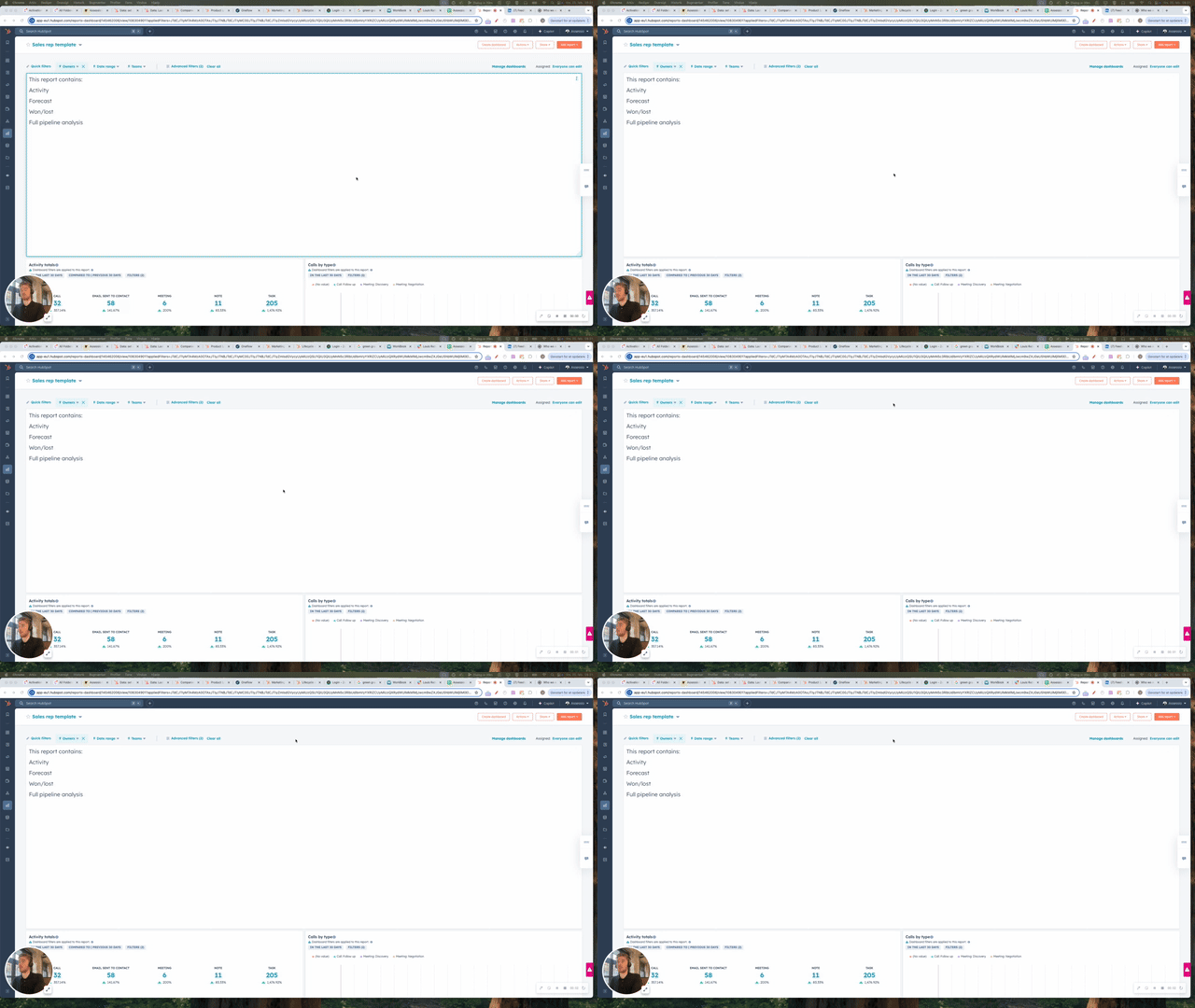
How to import lists in HubSpot
See short video on how it works