This is the recording of how Operations will use Oneflow and HubSpot integration
https://fathom.video/share/bEnTThsRm8ZgBoizFY-yWW5pTWQcd1cB
How to add new users in HubSpot
-
Click the wheel in the top right corner
-
Click users in teams on the left side menu
-
Click create user in the top right corner
-
Add the new user with email
-
Choose the right permission based on their role
-
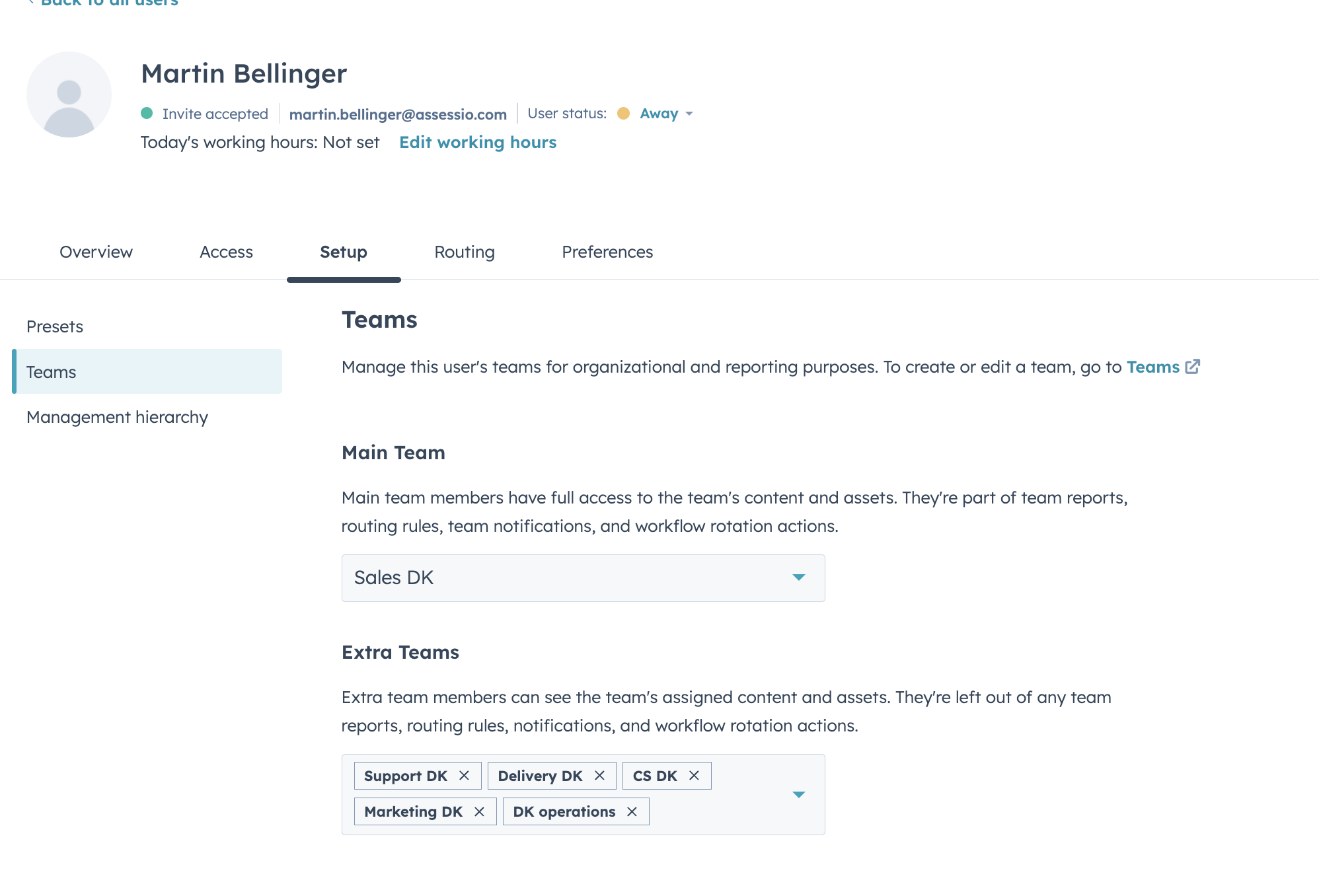
Add the right team - please note if the person needs to see companies owned by multiple teams, they should be added here:
So Martin needs to see companies owned by CS, marketing and support from DK then we add him to those teams also
.png?width=670&height=455&name=image%20(35).png)