
You need to be a Recruitment Admin or a Development Admin with People Evaluation Activities activated for your organization. In the Lens library, click the Edit icon to manage the tags and visibility of your lenses. Then click on the tag under the lens card to remove or add it for this lens. When the tag is added, the lens is available for the corresponding module.
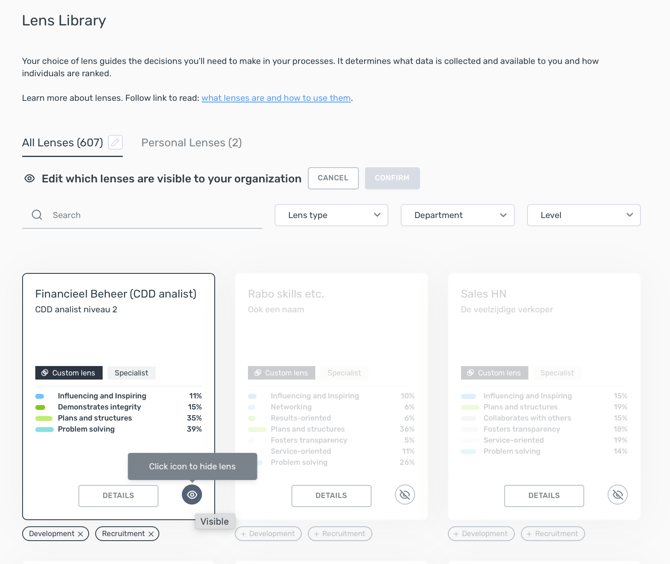
Admins are still able to use the visibility ‘eye’ icon. Clicking the ‘eye’ icon removes both or adds both tags for the lens. Admins can also edit lenses' tag together with other lens parameters in the lens edition, by clicking the 3 dots on the top right of the lens card in the Lens library.
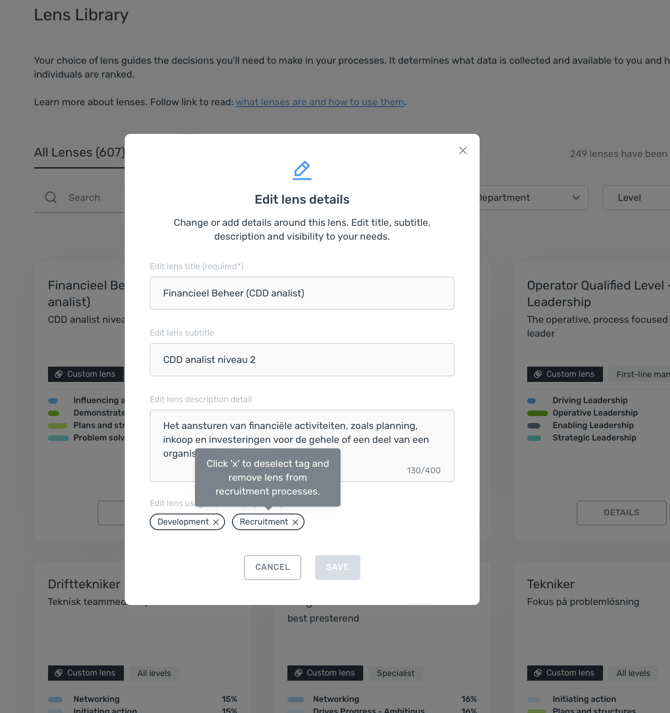
By default, Assessio lenses are tagged for Development and Recruitment.
Note that it is not possible to use Screening lenses for Talent Management activities, thus they come with the Recruitment tag and can’t be edited with the Development tag.