
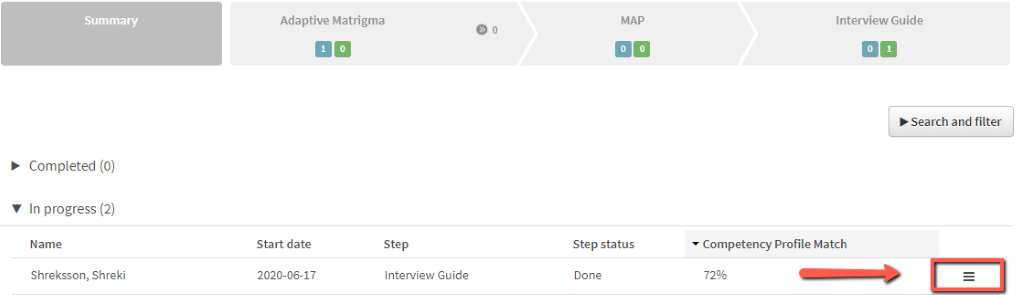
1. Find the candidate in the project
2. Click on the menu icon to the right of the candidate name.
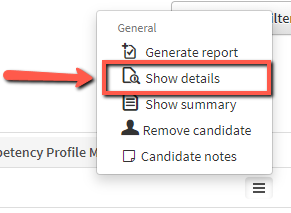
3. Click on ”Show details”
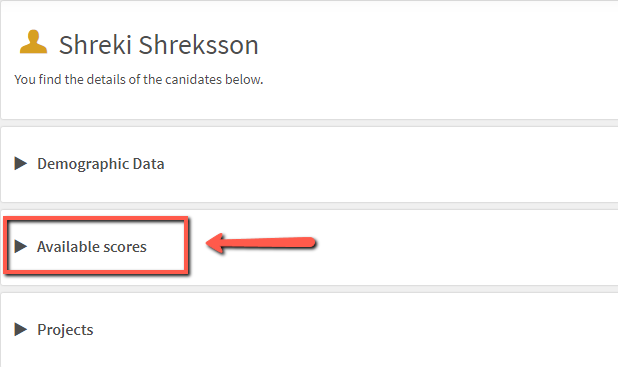
4. Click on ”Available scores”
5. Find the test that you need information about (e.g. MAP, Matrigma).
6. Click on the box marked with the letter ”i” (for information).
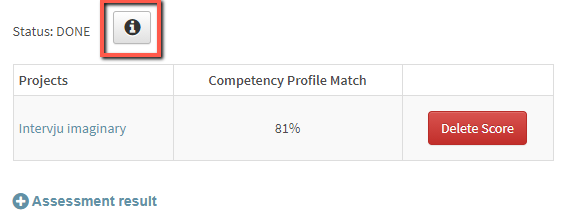
7. You will see a box with the time used and the number of items answered
You can see if it is likely that the candidate experienced technical problems or if the candidate answered all the items. If you decide that the candidate should get a second chance to do the test.