
- Log in to Ascend and select ”Settings”.

2. Select the preferred language under language settings.
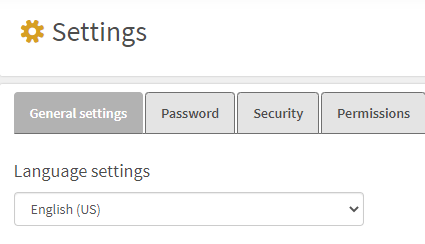
3. Now the language in the platform is changed to the preferred language.
You can choose between:
- Swedish
- English
- Danish
- Dutch (Dutch)
- Finnish
- Norwegian
- Spanish (Chile)