
No more managing several campaigns in parallel ! Your surveys can be different for each employee.
This option is to be selected when choosing the template when launching your review cycle:
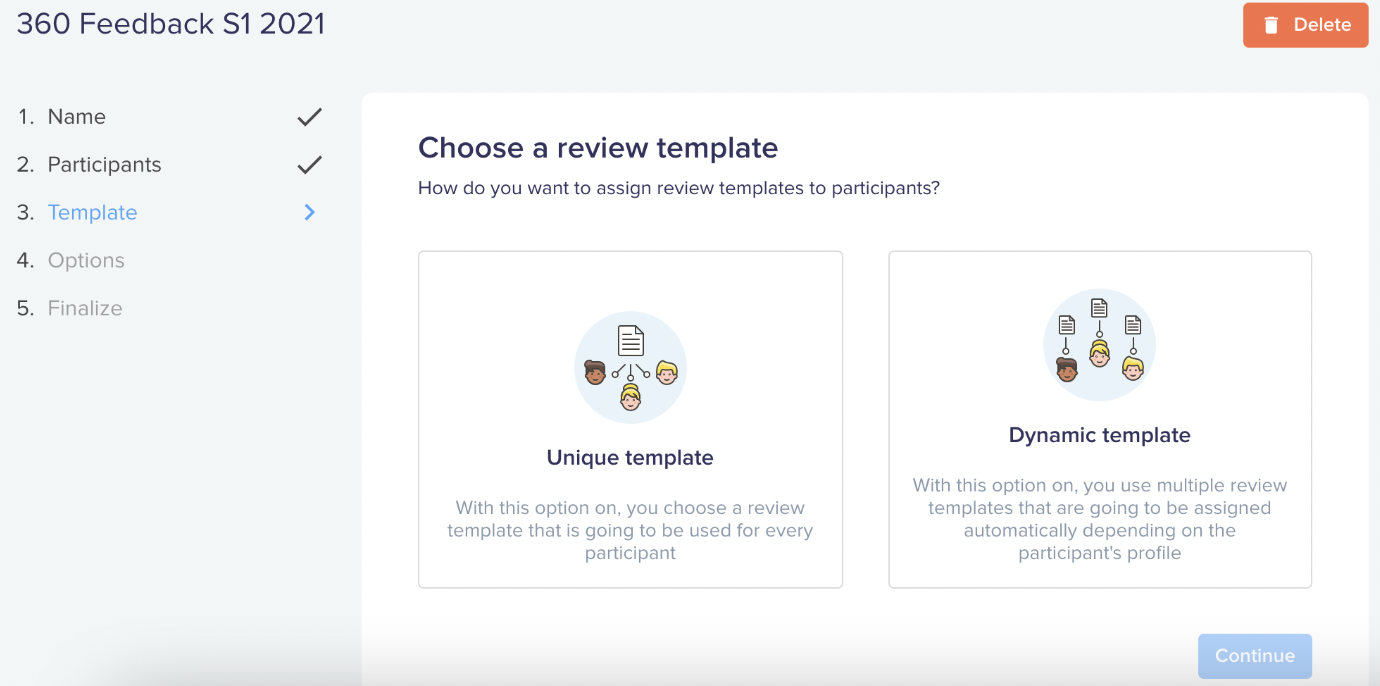
Let's take a concrete example: let's imagine that you want peers to answer specific questions depending on the manager statut of the employee (manager or team member).
Here are the steps to follow:
- 1️⃣ Create a template per team
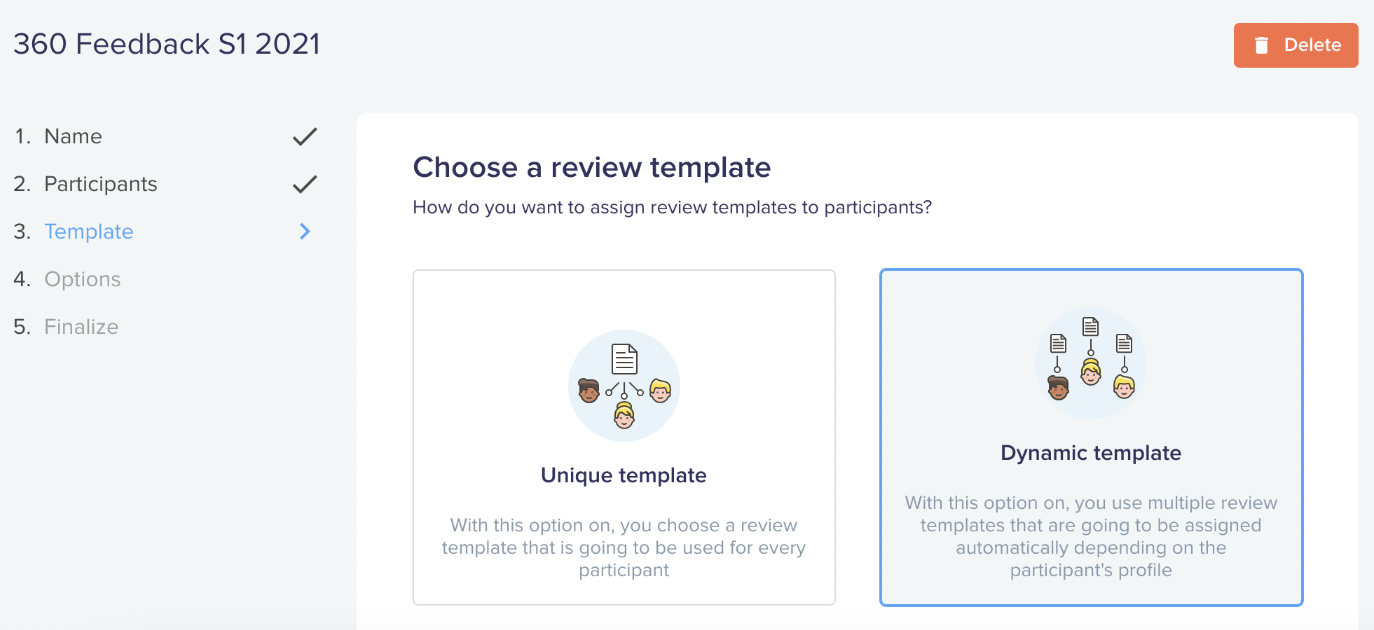
- 2️⃣ Choose the "Dynamic Template" option
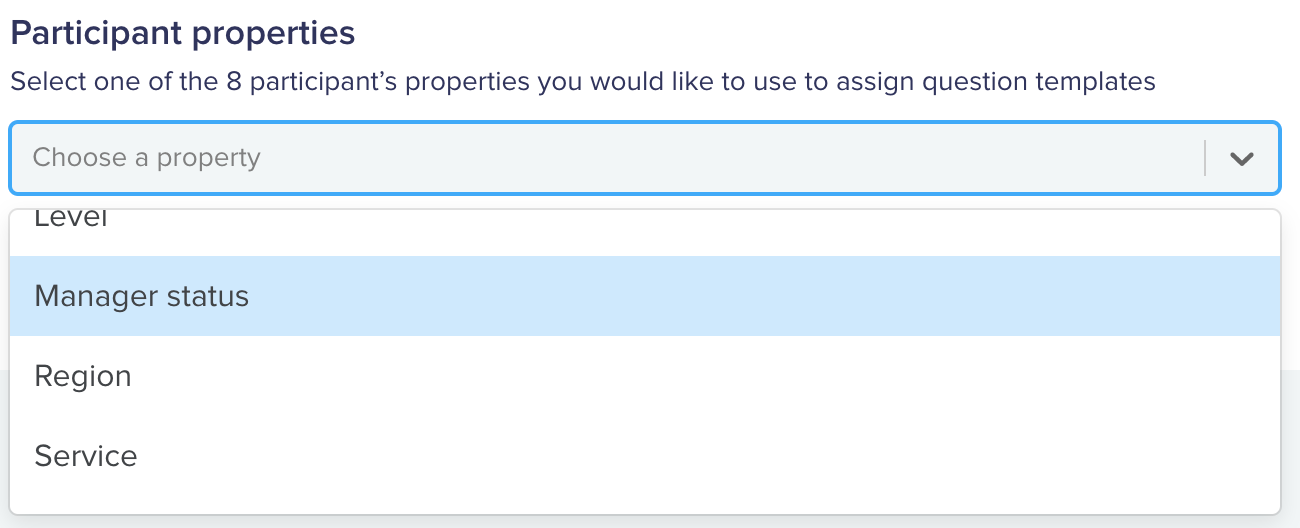
- 3️⃣ Select the property that will assign the correct template to the participants
- 4️⃣ Select a default template, and the template assigned to participants depending on their status
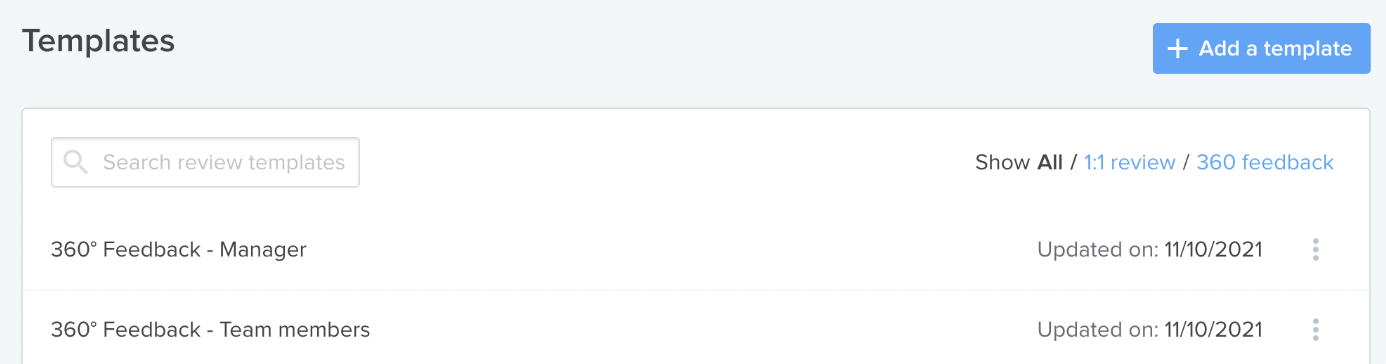
1️⃣ Create a template per team
Before launching the campaign, create a template for each team via 360 Feedback > Templates.
2️⃣ Choose the "Dynamic Template" option
3️⃣ Select the property that will assign the correct template to the participants
4️⃣ Select a default template, and the template assigned to participants depending on their status
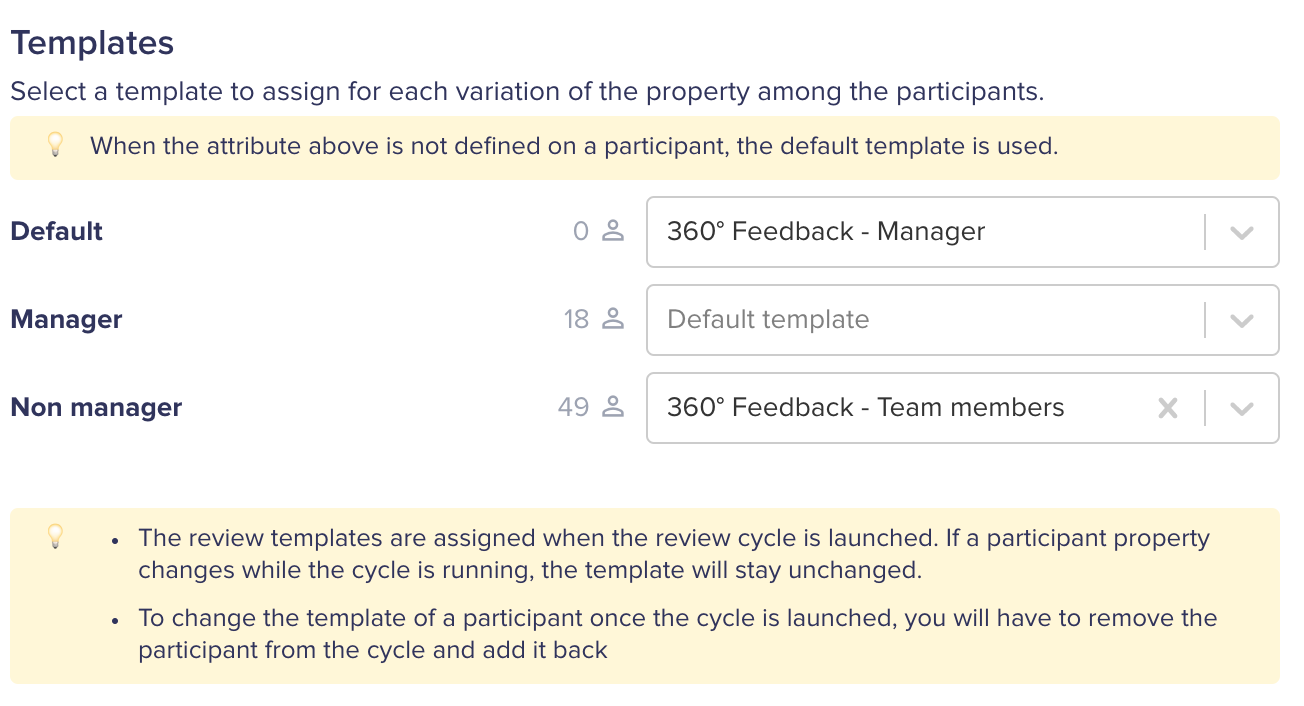
The default template allows us to assign a template in case the "Manager status" field is not filled in .
⚠️ Warning : You can only select one property per review cycle. If you want to assign different templates based on 2 properties (e.g. language and manager or non-manager status), you will need to run two campaigns.