
What it is
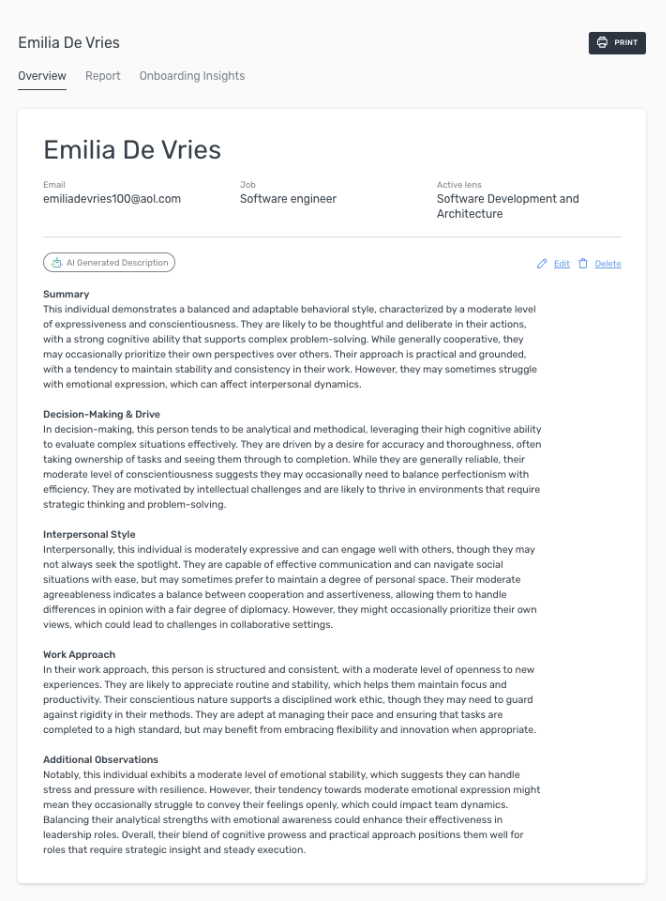
The Executive Brief is a one-page, AI-generated summary of any candidate, written in a clear narrative format and ready to share with a hiring manager. It pulls together everything Assessio knows about a candidate — Personality, Intelligence, Values and Extremes — into a single story-told page, generated in one click.
Who can use it
- Anyone with access to a candidate's results in Recruitment
- Works with whatever assessment data is available — even if only one assessment has been completed
How to use it
Generate an Executive Brief
- Open a recruitment.
- Open the candidate you want to brief on.
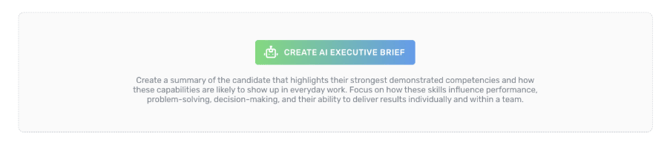
- Click Generate Executive Brief.
The brief is generated in one click.
What the brief contains
The brief draws from whichever of the following the candidate has completed:
- Personality (MAP)
- Intelligence (Matrigma or Logics)
- Values (Match-V)
- Extremes
If only some of these are available, you'll still get a written brief — based on whatever data exists.
Edit before sharing
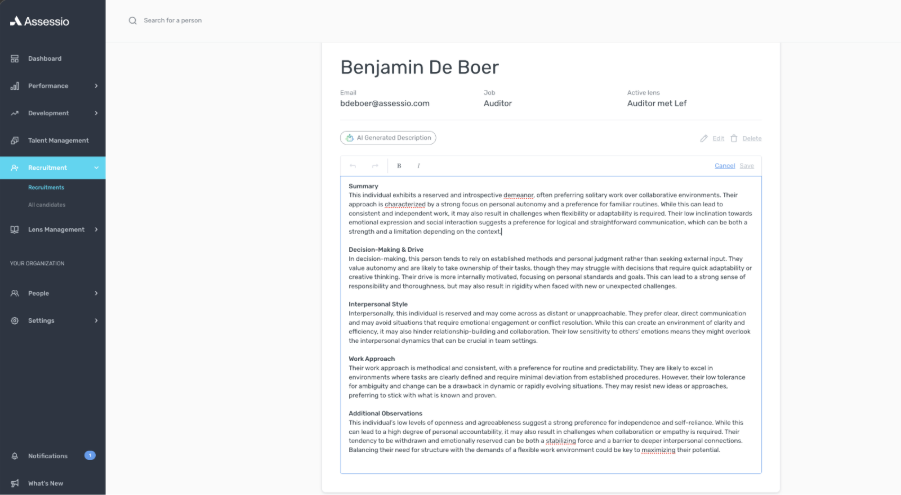
- Open the generated brief.
- Edit any section you'd like to change.
- Save your changes.
The brief notes that it has been edited and when. Your edits flow through to the printable PDF, so you can confidently hand the brief to a hiring manager — including someone outside the Assessio Platform.
Share or download as PDF
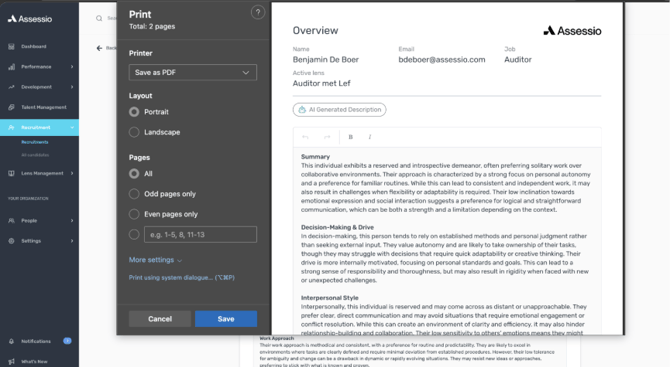
- From the brief, choose Print to download as PDF.
- The PDF reflects your most recent edits.
Things to know
- The brief is generated on demand — re-generate it as new assessment data comes in.
- Edits are preserved alongside the AI-generated content, with a clear "edited" marker.
- The PDF is designed to be shared with hiring managers outside Assessio.
For admins
No additional configuration is required. The Executive Brief is available wherever your users already have access to candidate assessment data — no new permissions to enable.
FAQs
What if the candidate has only done some of the assessments? The brief works with whatever data is available. You'll still get a written brief, based on what's been completed.
Will my edits show up in the PDF? Yes. Edits flow through to the printable PDF, and the brief notes that it has been edited and when.
Can I share the PDF with someone outside Assessio? Yes. The PDF is designed to be handed to hiring managers, including those without an Assessio account.