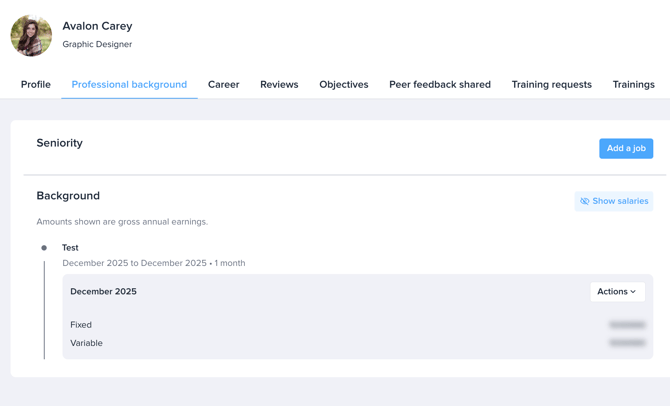
As Manager, you can access your employees' profiles and all their recorded information.
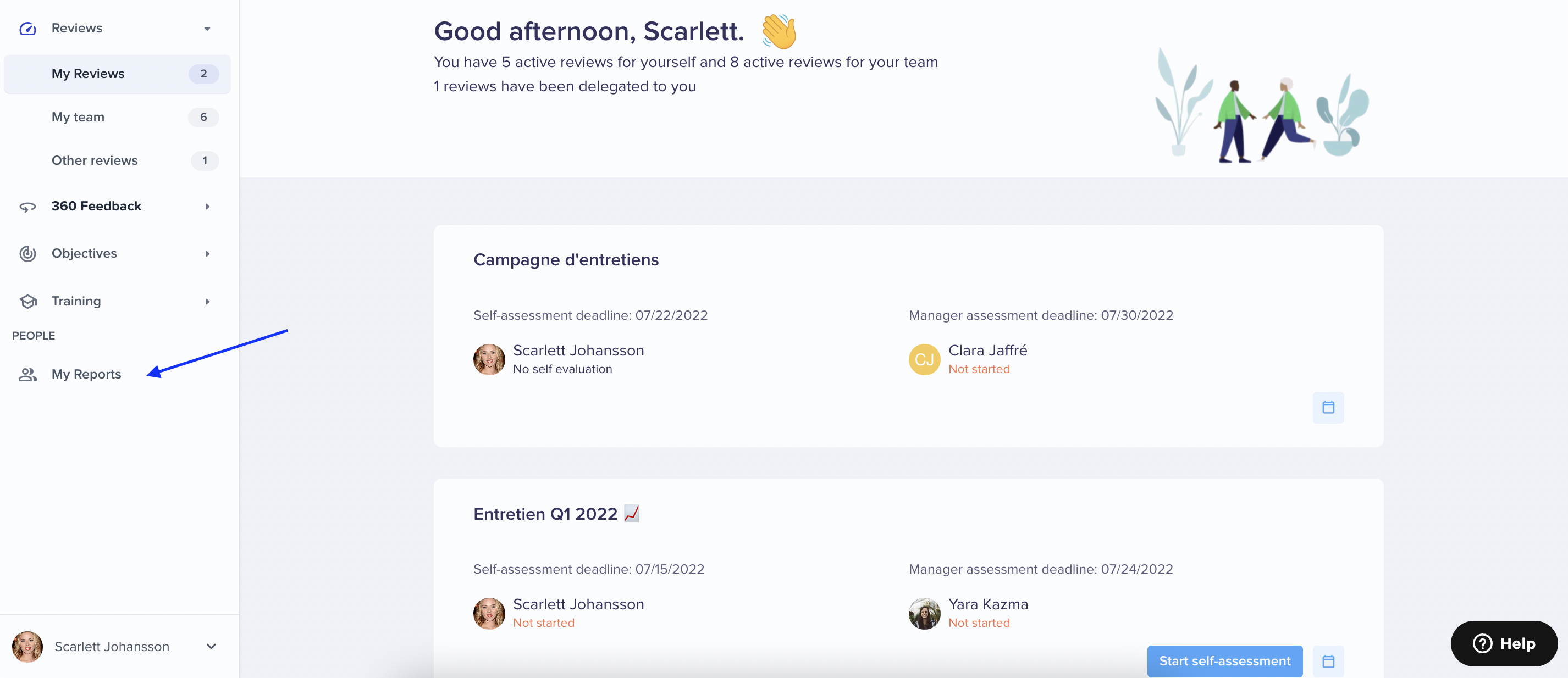
To do so, click on My Reports in the People section:
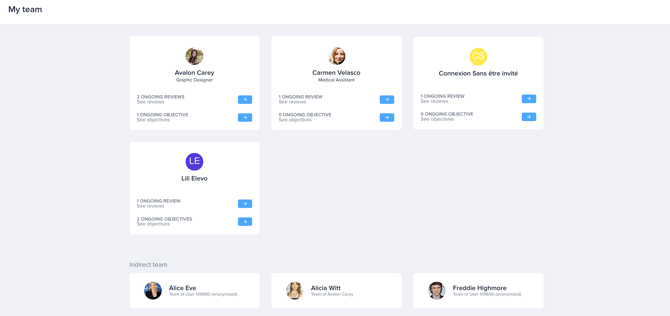
You can then select one of your team members and browse through the different tabs to access their recorded data.
- Profile,
- Professional Background,
- Career (if the Skills” product has been activated in your account)
- Reviews,
- Objectives,
- Peer feedback shared (if the 360 Feedback product has been activated in your organization),
- Training requests (if the Training product has been activated in your organization),
- Trainings (if the Training product has been activated in your organization).