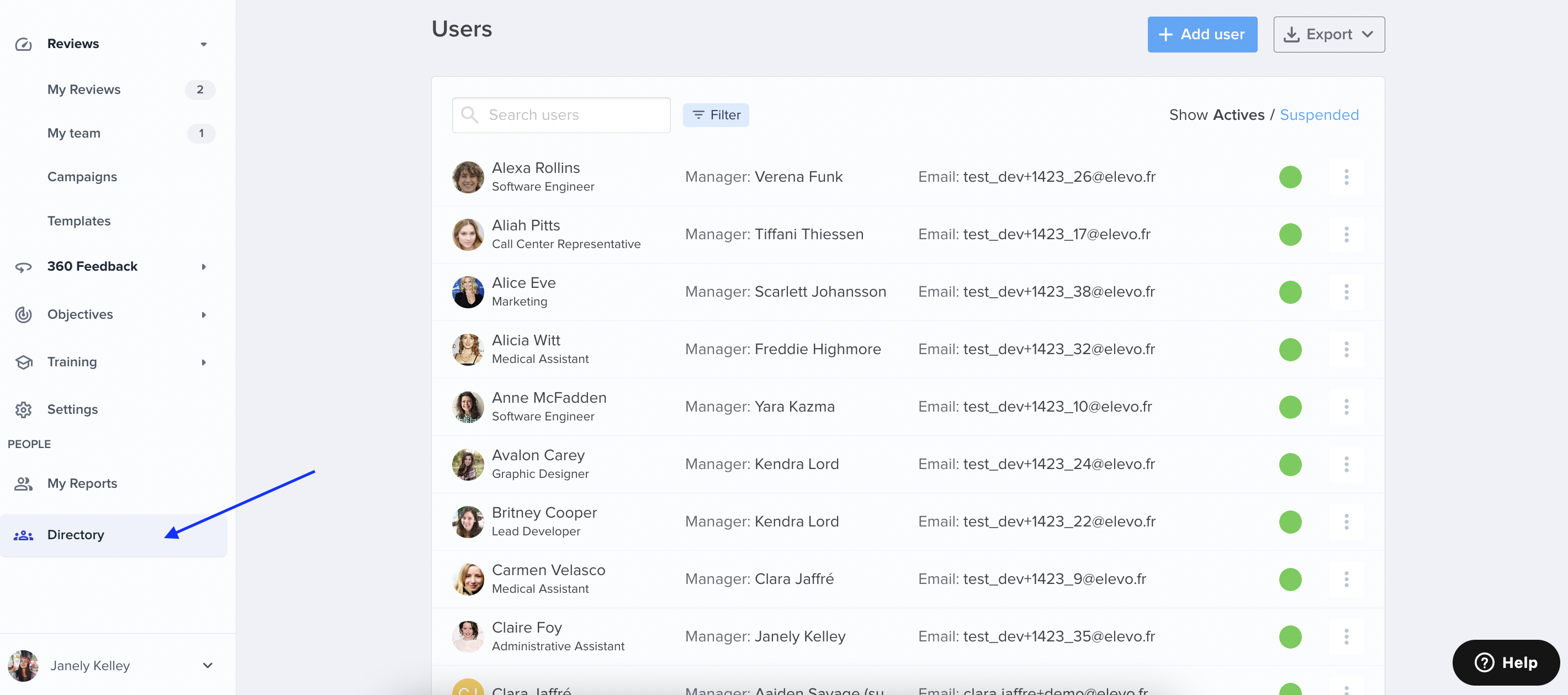
User management in Elevo is only accessible to Admins via the Directory.
Anyone added to Elevo will only be invited to the interface once involved in a campaign.
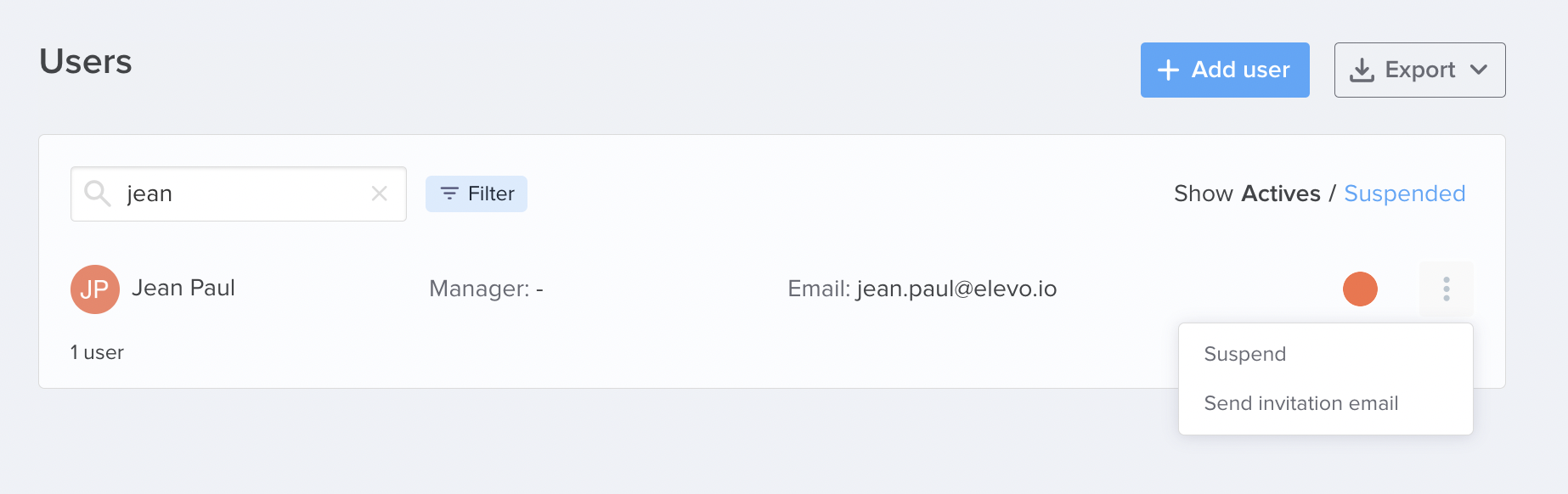
However, if you wish to provide an employee access to Elevo prior to his involvement in a campaign, you can do so by clicking on Send an invitation e-mail.