
Once the option is enabled, Admins and managers can define team goals and enter the percentage of achievement.
✅ Activate team goals
You can enable this option through Settings > Objectives.

Once team goals are enabled, you can define them and employees can access them.
⚠️ Warning: Team objectives are in no way linked to individual employee objectives. They have an informative purpose, to allow employees to have a vision, globally and for each team in the company, on the issues for a given period. Moreover, they are not linked to the employees belonging to the same team.
👉 Create goal periods
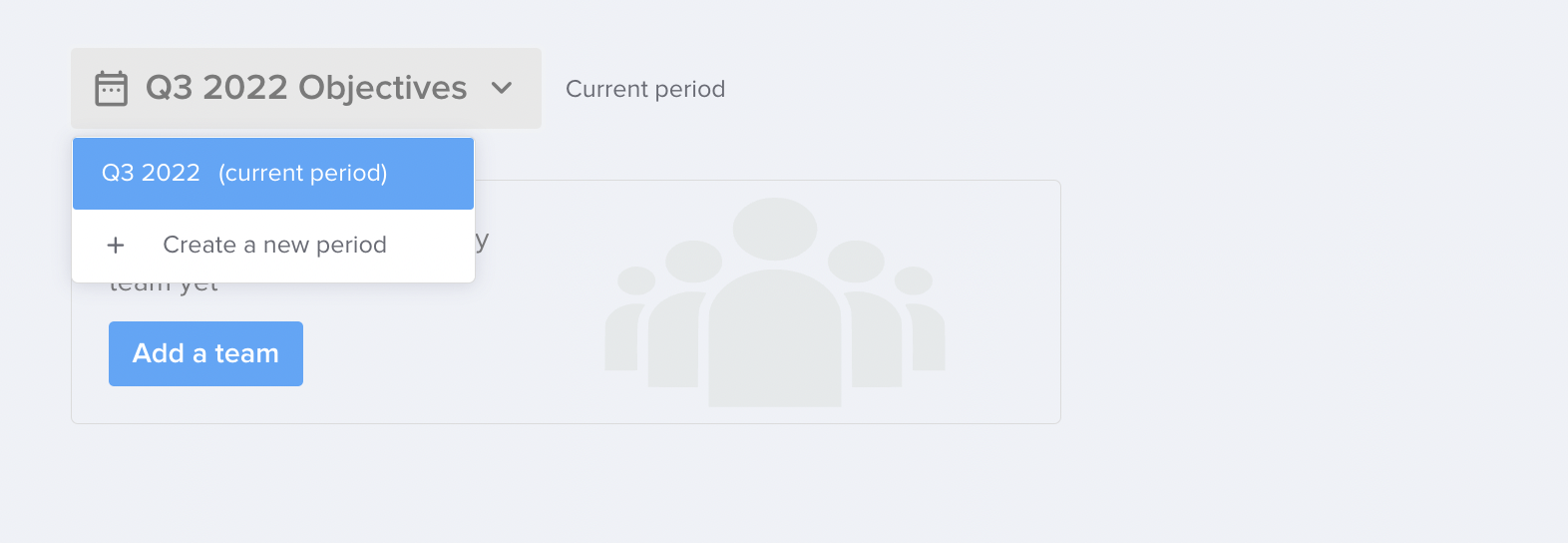
First, you will need to create your very first period by clicking on Create a period and then selecting it from the drop-down menu.

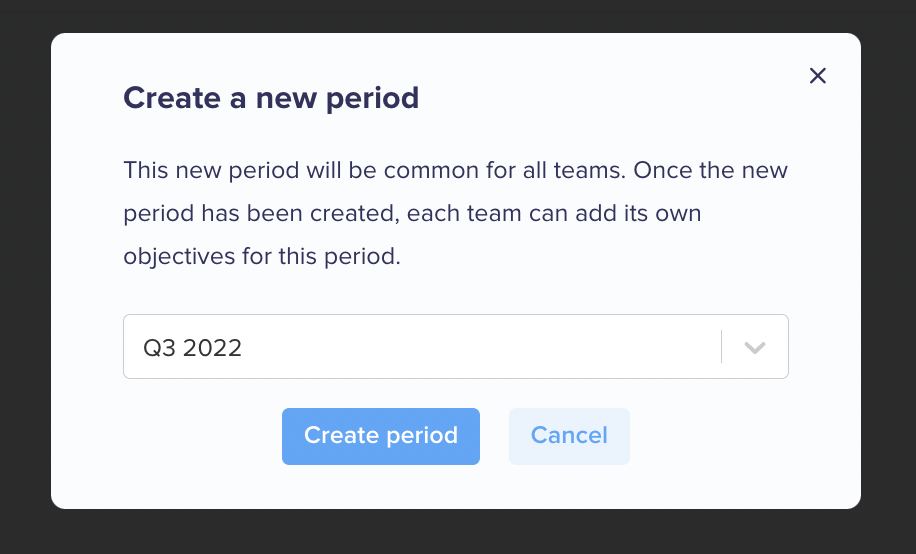
As soon as your first period is created, you can add others via the drop-down menu on the left, and select the current period (the one that will be displayed first when consulting the team goals).
👉 Create teams
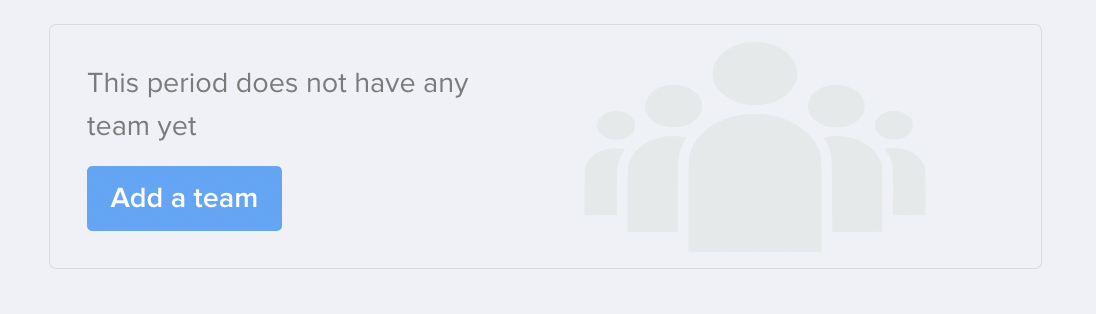
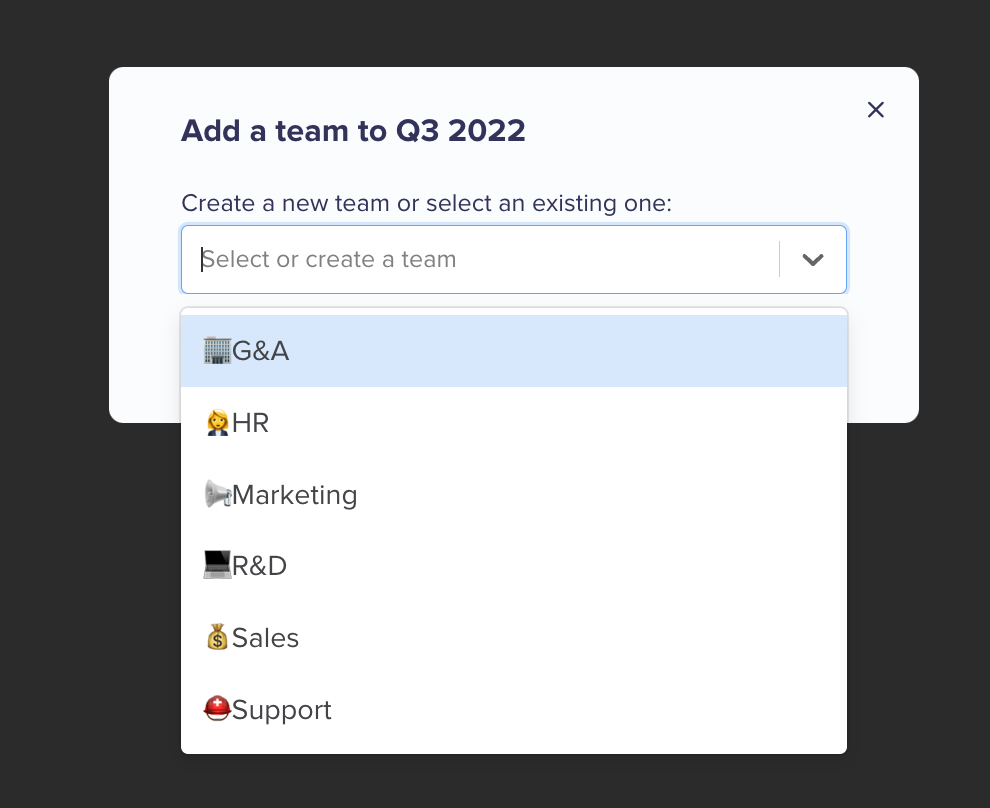
When a period is created, you have to create the different teams via the Add a team button.
You can then :
- select a team from the drop-down menu,
- write the name of a non-existent team (Company for example) and then click on Create the Company team.
👉 Define the goals
Once the team is created, it is time to define the goals by clicking on Create a new goal.
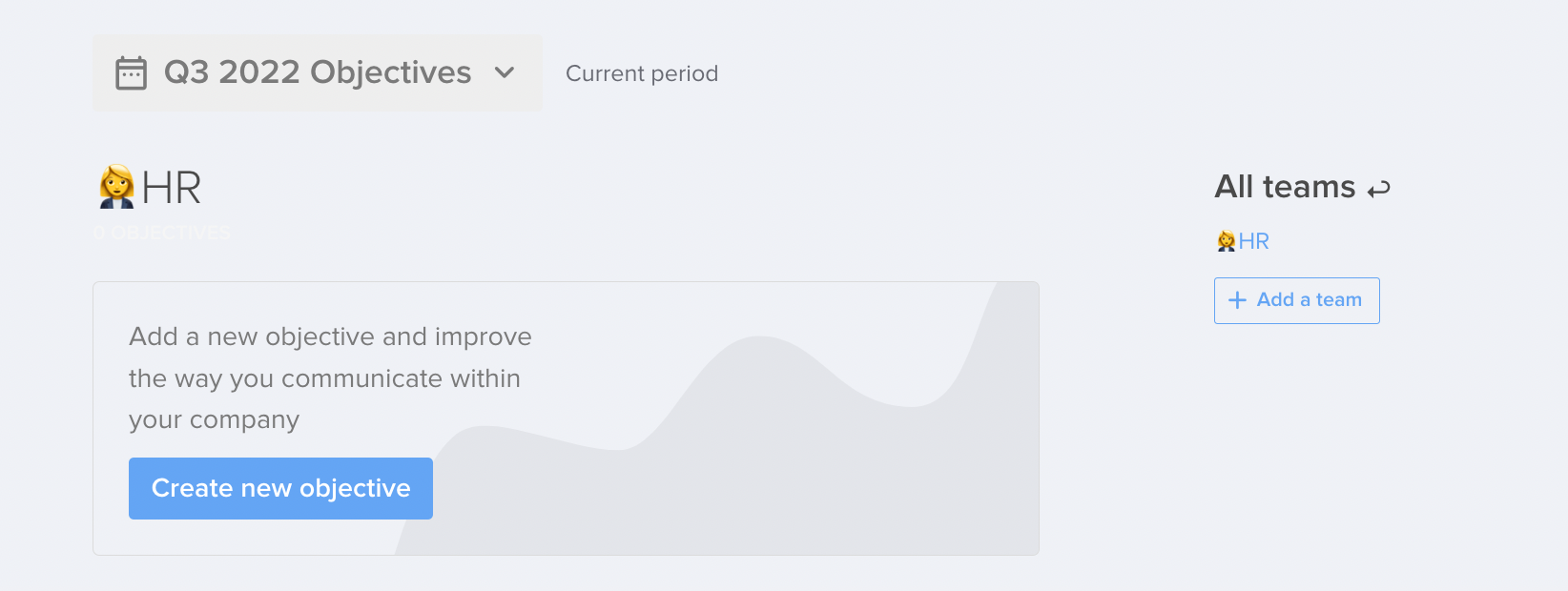
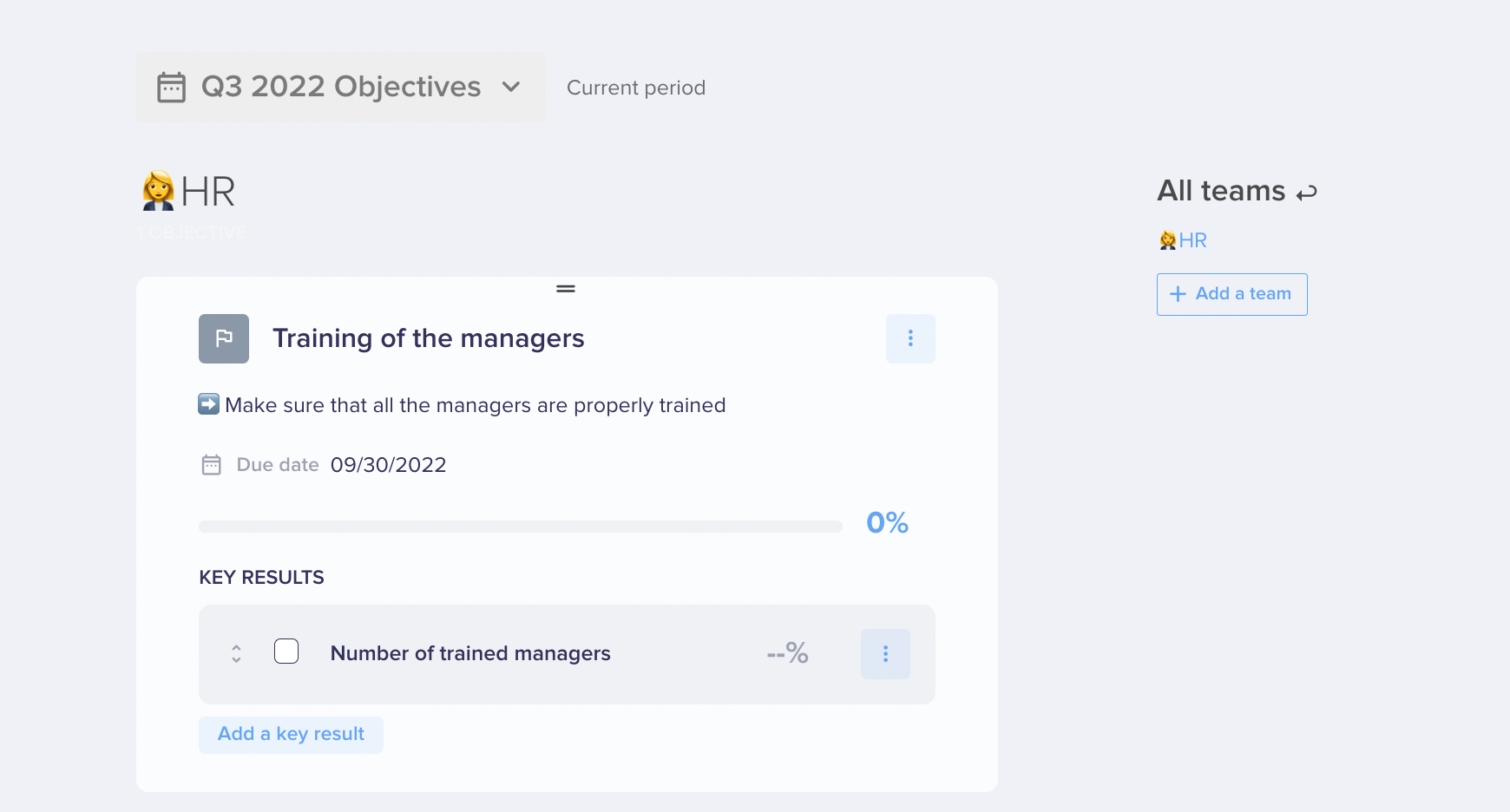
Team goals are defined in the same way as individual goals:
- a title
- a description
- a deadline
- indicators
⚠️ Warning : Team goals are in no way linked to individual employee goals. They are intended to be informative, to allow employees to have a vision, globally and for each team in the company, of the challenges for a given period.