
🤓 Context
-
Reminders triggered by administrators are not included in this article, but still apply.
- If notifications have been turned off in the app (in the settings), then none of the notifications listed below will be sent.
- Admins can also receive emails when they run exports.
🔔 Notifications by products
- ⚙️ Platform
- 👤 Reviews 1:1
- 🎯 Objectives
- 💌 360 Feedback
- 🎓 Skills & Career
- 💓 Surveys
- 👩🏼🏫 Training
- 💫 People Review
- 💸 Compensation
- 📄 Audit report
⚙️ Platform
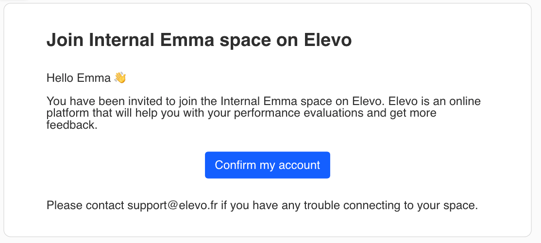
First login
When getting started with Elevo (invitation/access), a user is invited when they are included in a campaign. An admin can also manually trigger “Send an invitation email”.
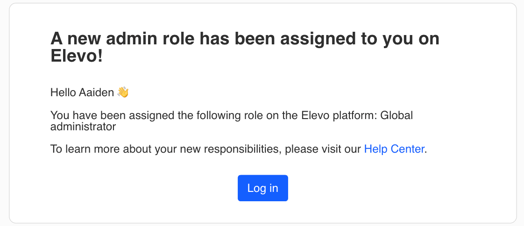
Admin rights
Employees also receive specific emails when an admin grants them permissions for a product or campaign.
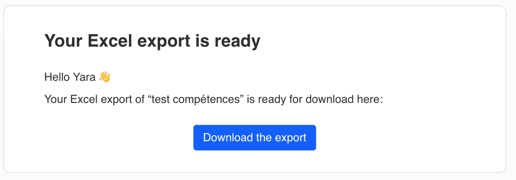
Data exports
Admins receive emails when they run exports.
👤 Reviews 1:1
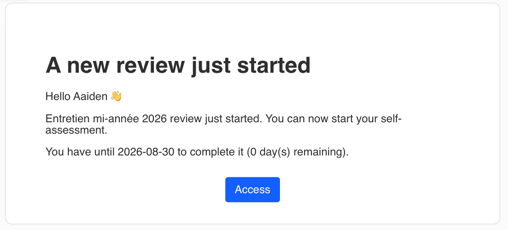
💡 Note : Admins can customize the subject and content of emails sent when launching Review and Feedback 360 campaigns, separately for the reviewee and the person responsible. Other notifications use standard, non-customizable content.
Reviewees
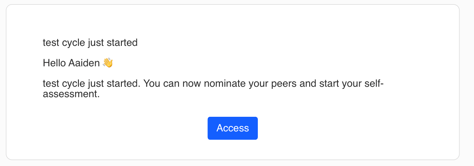
Campaign/cycle launch
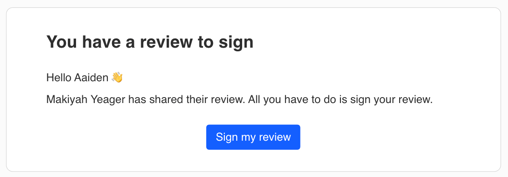
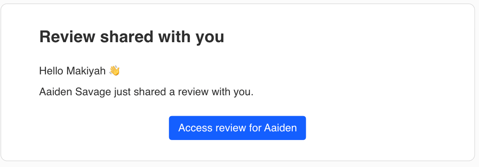
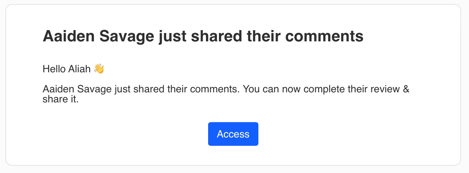
When the manager shares their comments
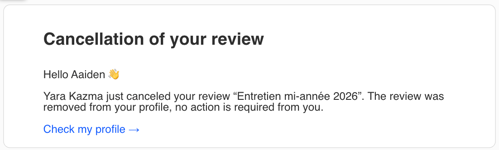
If the employee is removed from the campaign
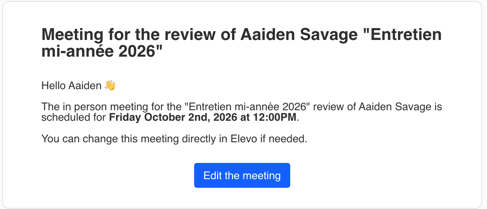
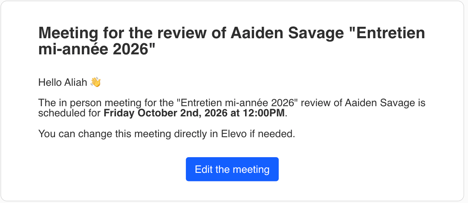
If the manager schedules, changes or cancels a meeting
Main reviewer
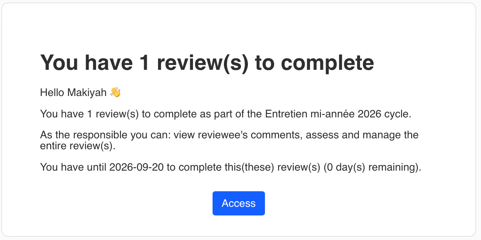
Campaign/cycle launch
When the employee shares their comments
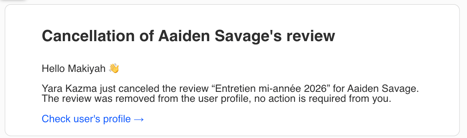
If the employee is removed from the campaign
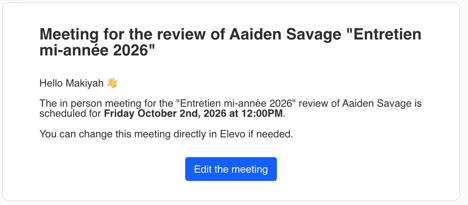
Scheduled meeting email
Additional reviewer
When they are added as an additional reviewer
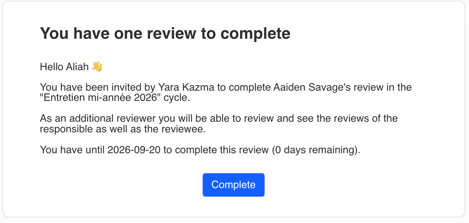
When the employee shares their comments
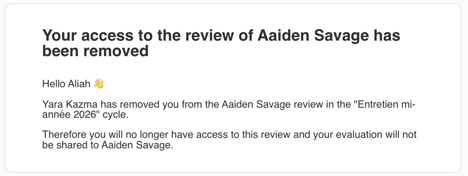
If they are removed from the review
If a calendar invitation is sent
Admins
None 😌
💡 Note: No email is sent once the review date has passed, unless the HR team sends a specific reminder. No email is sent when the campaign is archived.
🎯 Objectives
Employees
None 😌
Managers
None 😌
Admins
None 😌
💌 360 Feedback
💡Note: Admins can customize the subject and content of emails sent when launching Feedback 360 and Review campaigns, separately for the reviewee and the person responsible. Other notifications use standard, non-customizable content.
Reviewees
If they are allowed to select their peers and/or complete a self-assessment, they receive an email inviting them to nominate their peers and complete the self-assessment
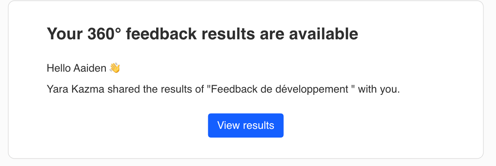
When the manager/person responsible shares the peer feedback with the reviewee
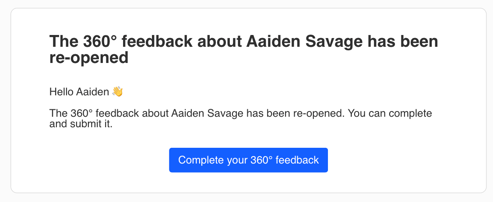
If the manager/person responsible reopens the feedback
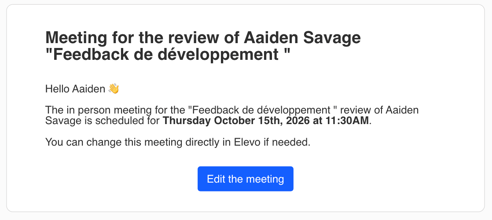
If the manager schedules, changes or cancels a meeting
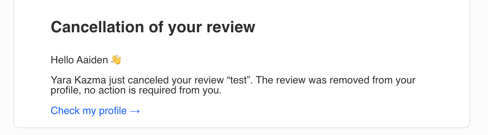
When the employee is removed from a campaign
💡Note: No email is sent when the peers are approved, if they were selected by the employee.
Peers
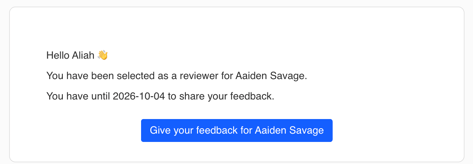
After the proposed peers have been approved by the person responsible
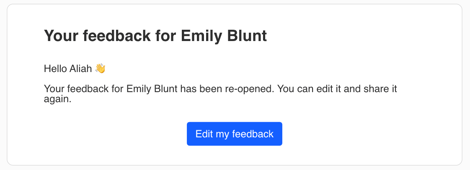
If the manager/person responsible reopens the feedback
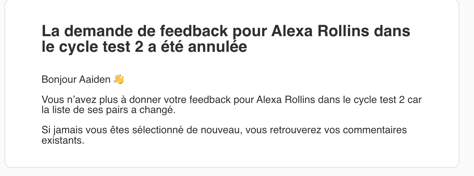
If the reviewee is removed from the campaign
Responsible
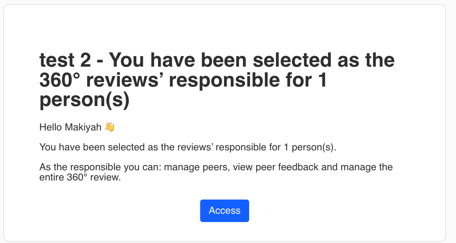
When a campaign is launched for which they have been designated as the manager/person responsible
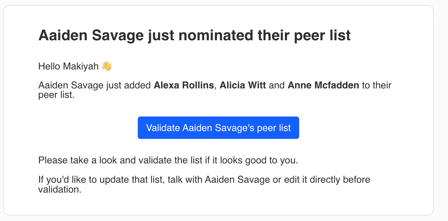
When the employee nominates/proposes peers
→ the manager receives an email to approve or edit the list. If the employee changes the list, the manager receives another email.
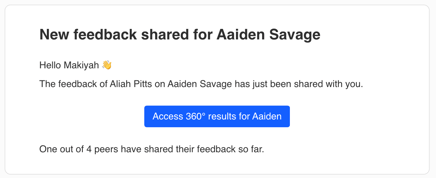
When a peer submits their feedback
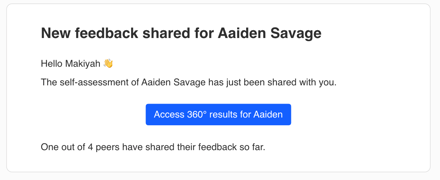
When the employee completes their self-assessment, if this option was enabled when the template was launched
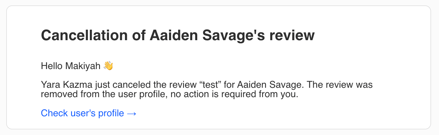
When the employee is removed from a campaign
Admins
None 😌
🎓 Skills & Career
Employees
None 😌
Managers
None 😌
Admins
None 😌
💡Note: Employees can see changes in their “My career” tab. Managers and higher-level managers can view the career information of the employees in their reporting lines.
🔑 Important: When a skills matrix is assigned to an employee but has not been published, the employee can see the matrix name and their level, but cannot view the full matrix, regardless of the visibility configured by the admin. The matrix can still be assessed in a Review even if it has not been published.
💓 Surveys
Employees
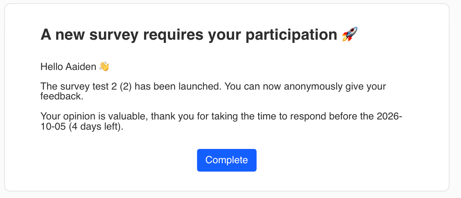
Employees receive an email when they are added to a survey campaign
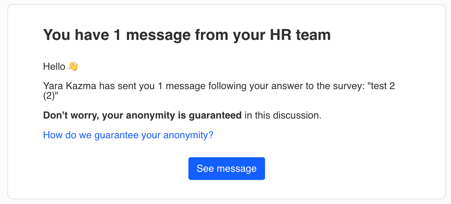
When they receive a message from the HR team about one of their survey responses
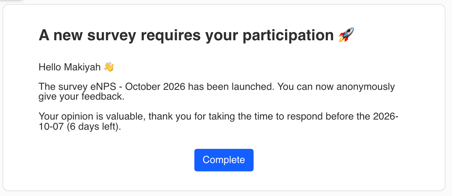
For recurring eNPS campaigns, participants receive an email containing a link to the questionnaire when each new period opens
Managers
None 😌
Admins
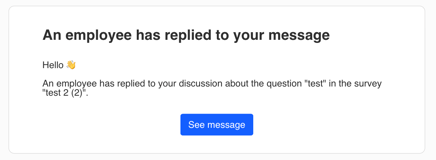
Admins receive an email when an employee replies to their message
👩🏼🏫 Training
Employees
When employees can submit training requests
Email sent when employees create their own training request: “A training request has been created in your name”
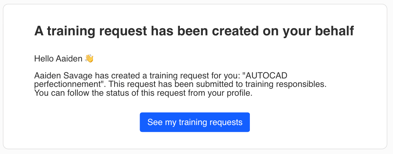
When employees cannot submit training requests
Email sent when a training request is created for them
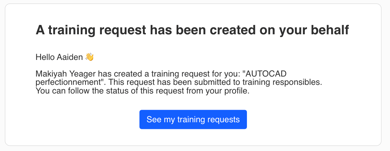
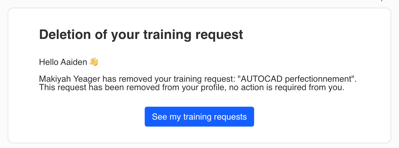
Email sent if the manager or admin deletes the training request
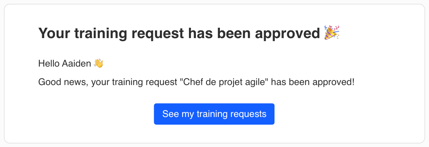
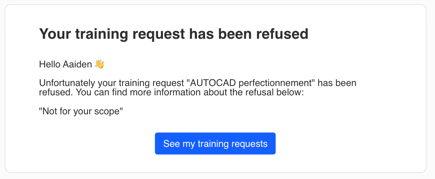
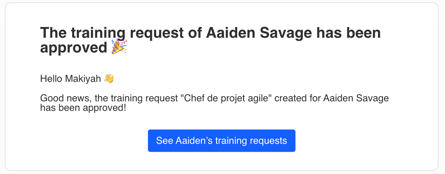
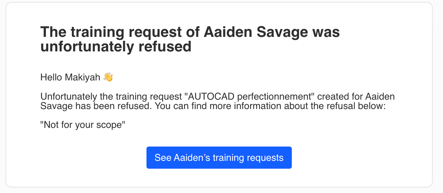
Employees receive emails informing them of changes to the status of a training request
For example whether it has been approved or rejected. (If it’s rejected, and the the admin or manager add a comment, it will be visible in the email).
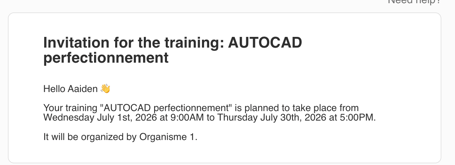
Calendar invitation email if the session is approved and the admin selects this option
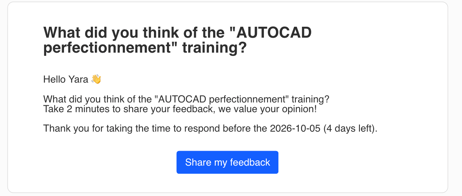
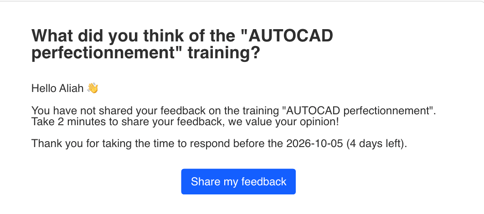
Post-training evaluation email, if triggered by the admin
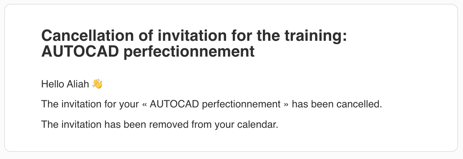
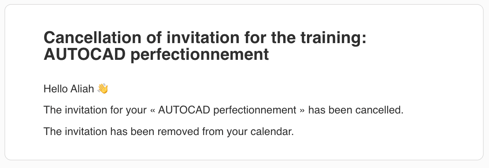
When a training calendar invitation is cancelled or a training session is deleted
If an employee is added to a session after the initial invitations have been sent, a calendar invitation is automatically sent to them.
Reminder email for post-training evaluations
💡Note: The invitation time is adjusted to the participant’s time zone.
Managers
When employees can submit training requests
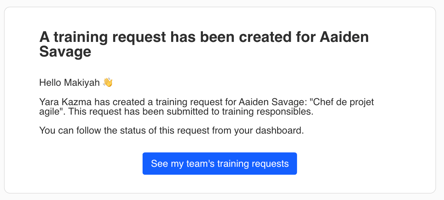
Email sent when an employee submits a training request: “A training request has been created for XXX”
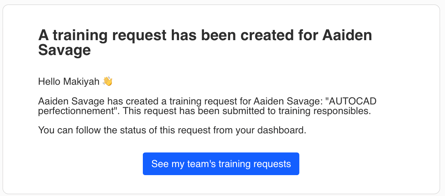
Email sent when an admin creates a training request for one of the manager’s employees
Email sent when an employee’s training request is approved or rejected
Whether it was created by the manager or an admin. (If it’s rejected, and the the admin or manager add a comment, it will be visible in the email).
Admins
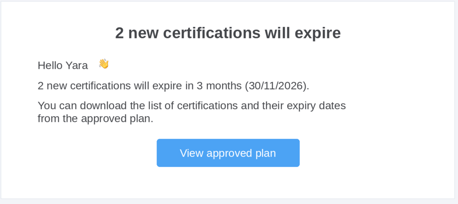
Information email when a certification expires
💡Note: Admins do not receive an email when a training request is created. No email is sent when the employee completes a post-training evaluation.
💫 People Review
Employees
None 😌
Managers
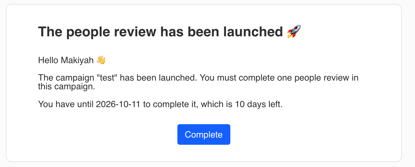
When a campaign is launched, inviting managers to complete their employees People Reviews
If the employee is removed from the campaign
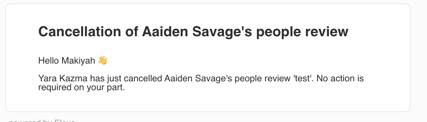
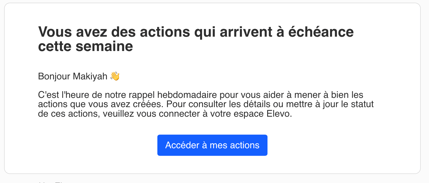
Action plan : an email reminder is sent during the week before the due date.
💡Note: No email is sent if an admin changes the person responsible for the People Review.
Admins
None 😌
💡Note: No notification is sent when an admin approves a People Review or changes its status back to “To be completed”.
💸 Compensation
Employees
None 😌
Managers
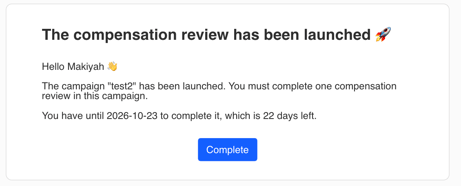
When the compensation campaign is launched: one email covering all the reviews the manager must complete
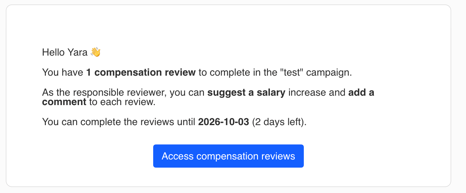
If the person responsible for the review is changed
The newly assigned person receives an email showing the total number of incomplete reviews, for example:
Admins
None 😌
💡Note: No notification is sent when a manager completes compensation reviews, when an admin approves a campaign, or when the campaign is closed.
📄 Audit report
Employees
None 😌
Managers
None 😌
Admins
None 😌